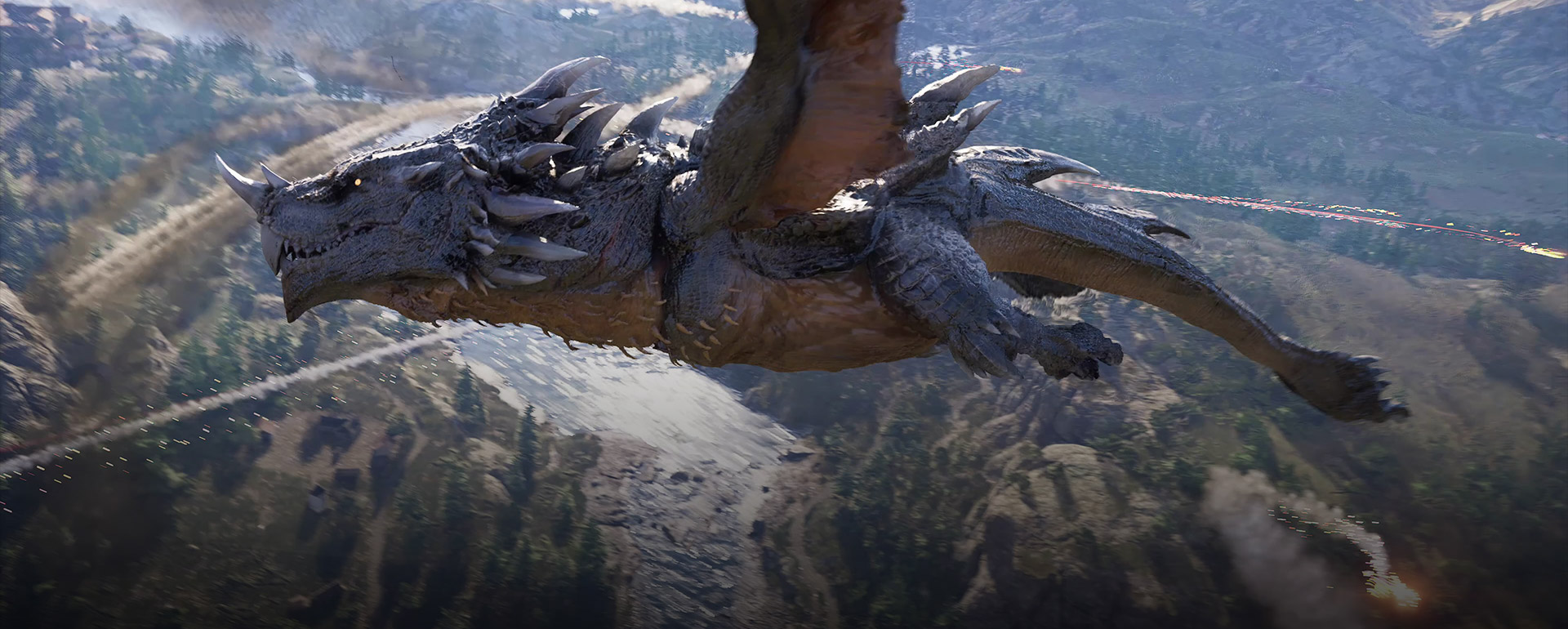
Crimson Desert Twitch Drops Guide
Crimson Desert's Twitch Drops campaign is split across two reward weeks. Here is the official reward list, how the platform-claim flow works, and where the items show up in-game once you redeem them.
As of March 25, 2026, Crimson Desert's official Twitch Drops campaign is split into two weekly reward tracks: one for Kliff gear and consumables, and one for horse tack pieces. The main catch is that Steam gets direct in-game delivery, while PS5, Xbox, Epic Games Store, and other non-Steam routes use coupon redemption first.
The current official event windows
The official Pearl Abyss Drops page currently lists the campaign in two blocks:
| Week | Official window shown on the Drops page | Time-sensitive note |
|---|---|---|
| Week 1 | March 19, 2026 to March 25, 2026 | This is the current live week for drafts dated March 25 |
| Week 2 | March 26, 2026 to April 1, 2026 | Starts immediately after Week 1 ends |
PC Gamer's launch-week summary phrases those windows as rolling over at 23:59 UTC, which is useful for timezone conversion, but the official Drops page should remain your source of truth near rollover.
All current Crimson Desert Twitch Drops rewards
The official Drops page lists these rewards.
Week 1 rewards
| Watch time | Reward |
|---|---|
| 60 minutes | Braised Meat x10, Blue Scout Lantern |
| 120 minutes | Blue Scout Earring, Blue Scout Ring, Blue Scout Necklace |
| 180 minutes | Blue Scout Shield |
| 300 minutes | Blue Scout Cloak, Blue Scout Armor, Blue Scout Hat |
Week 2 rewards
| Watch time | Reward |
|---|---|
| 60 minutes | Blue Scout Stirrups |
| 120 minutes | Blue Scout Champron |
| 180 minutes | Blue Scout Saddle |
Week 1 is built around Kliff gear and a consumable bonus, while Week 2 shifts to mount equipment.
How to earn the drops
The official event page breaks the process into three broad steps.
1. Watch a participating Crimson Desert stream
The event page says you need to watch a Twitch stream under the Crimson Desert category where Drops are enabled. You can switch channels without losing progress, but watching multiple channels at once will not make rewards unlock faster.
2. Claim the reward in Twitch Inventory
The official page tells you to check your Twitch Inventory, watch your progress there, and press Claim Now when a reward is ready. Watching alone is not enough.
3. Log into the official Drops page and choose your platform
The official page says you need to log into the Twitch account that earned the drops so you can receive the reward coupon or direct entitlement. This is also where the platform split happens:
Steam: rewards are sent directly in-gamePS5,Xbox,Epic Games: you receive a coupon code and redeem it on the relevant platform
That means you should be careful about platform choice before confirming anything.
Where the rewards appear in-game
The FAQ says bonus items and Twitch Drops rewards are found in the Add-ons menu. Once the reward is available:
- Go to
Menu - Go to
OtherorOthers - Open
Options - Open
Add-onsorAdd-On/Add-Ons - Select the item from the receivable list
- Receive it into your inventory
The official Drops FAQ adds one extra note for non-Steam players: refresh or restart the game if the reward does not show up right away after coupon redemption.
The platform rules that can trip people up
You cannot switch platforms after receiving the coupon code
Pearl Abyss says platform switching is not allowed once the coupon has been issued. Pick the platform you actually play on.
You do not get duplicate rewards from multiple accounts
The event FAQ says you cannot stack duplicate Twitch Drops rewards by owning multiple game accounts.
Non-Steam platforms use coupon redemption
If you are on PlayStation, Xbox, or Epic, the official page says you will receive a code rather than a direct in-game reward. You then redeem that code through the platform store flow and claim the item in-game.
Steam is the cleanest flow
If you are on Steam, the page says rewards are sent directly in-game after you complete the flow through the Drops page.
The easiest way to avoid claim mistakes
Use this order:
- Watch a Drops-enabled Crimson Desert stream.
- Claim the reward in Twitch Inventory.
- Log into the official Pearl Abyss Drops page with the same Twitch account.
- Choose the correct platform carefully.
- Redeem any required code.
- Open
Add-onsin-game and pull the reward into your inventory.
If you follow those six steps in order, the event is much less confusing.
What to do if the reward does not show up
The official event FAQ already covers the most common cases.
If the reward is missing:
- make sure it was claimed in Twitch Inventory first
- make sure you used the same Twitch account on the Drops page
- make sure you chose the right game platform
- refresh or restart the game and check the
Add-onsmenu again
If a coupon was redeemed successfully on console or Epic and the item still does not appear, the event page tells you to contact the support team for the relevant platform.
FAQ
Do I need to own Crimson Desert to participate in the Drops campaign?
No. The official FAQ says you can participate without owning a Crimson Desert edition. You only need the game to claim the rewards in-game.
Can I watch different channels and still make progress?
Yes. The official FAQ says any Twitch creator streaming in the Crimson Desert category can count toward watch time.
Do I get the rewards immediately in-game?
Not always. Steam is direct. Other platforms use coupon redemption first, then in-game claiming through Add-ons.
Where do I find the items once they are ready?
Go to Menu > Other/Others > Options > Add-ons and claim the items from the receivable list.
What to do next
If you are just getting started, pair these freebies with Beginner Tips for Crimson Desert. If you want to make the most of the horse-related rewards, read All Mounts Guide. If you are building out your support crew and utility game, Pets Guide is also worth reading. For the latest live reward windows and fixes, keep Crimson Desert Known Issues and Best Workarounds nearby.
その他のガイド
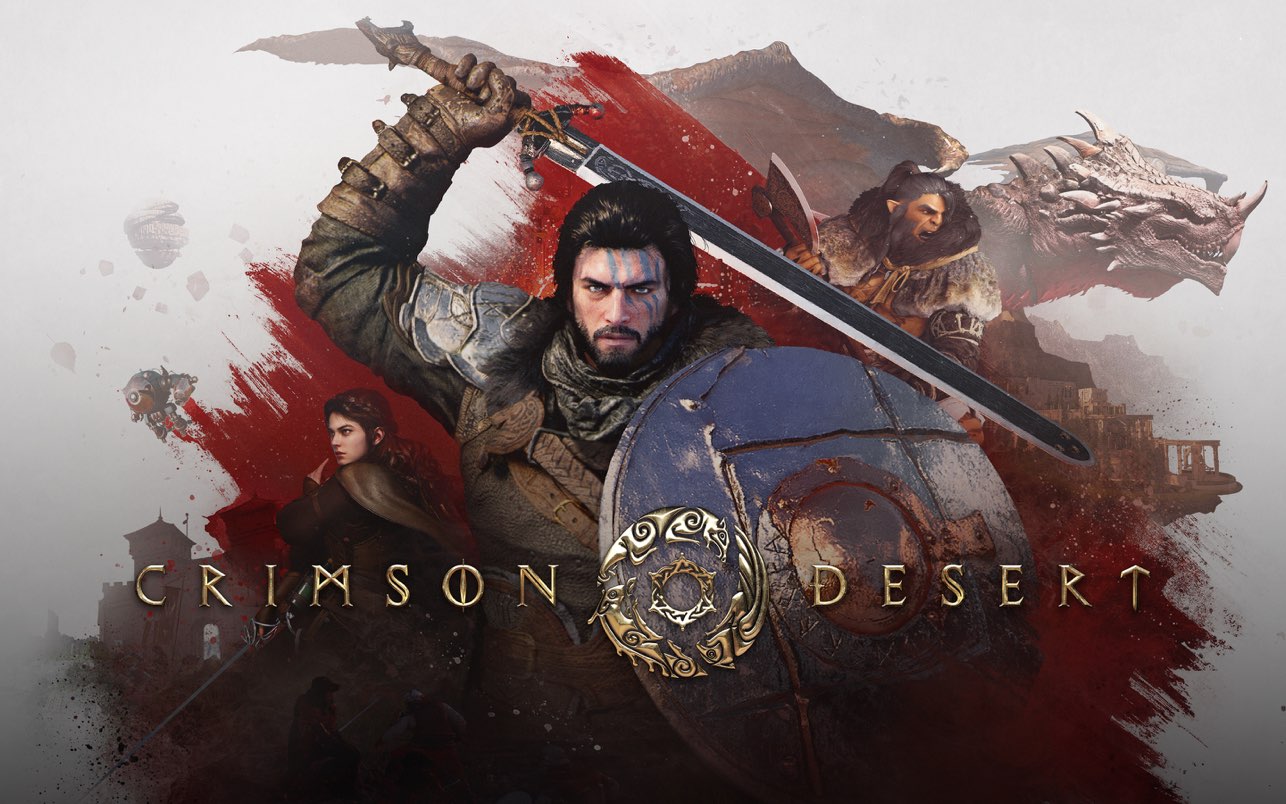
Is Crimson Desert on Mac? Steam Mac and Mac App Store Explained
Yes, Crimson Desert is officially available on Mac through Steam and the Mac App Store. Here is the exact platform status, edition caveat, and what Mac players should know first.

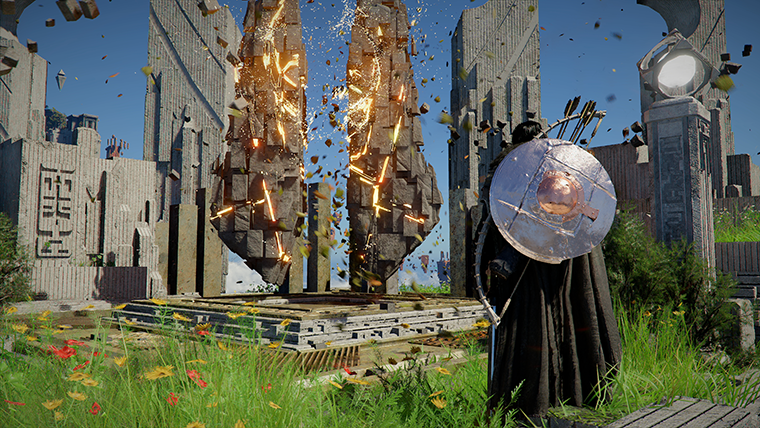
Crimson Desert Inventory Category Tabs Explained
Inventory category tabs could become one of the most useful Crimson Desert quality-of-life updates because they attack menu friction instead of just adding more space.
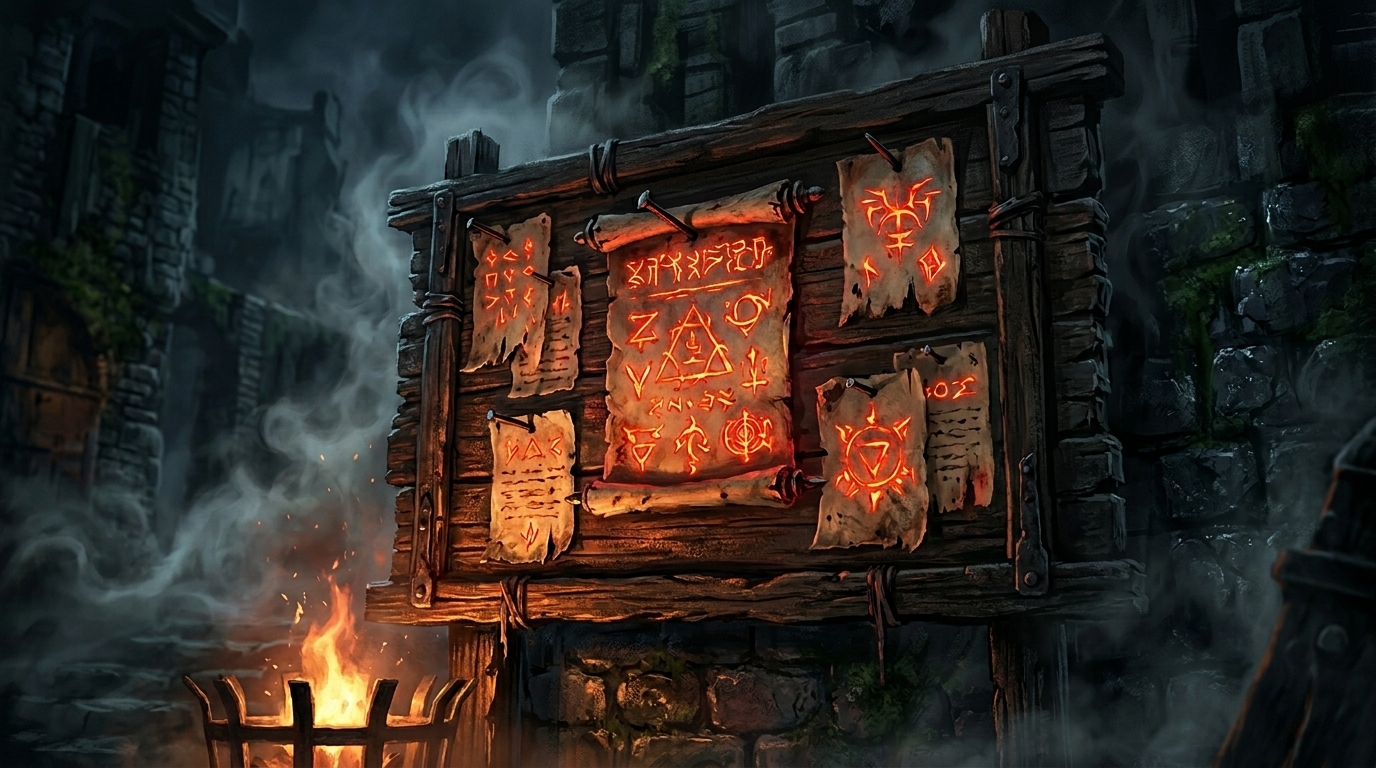
Crimson Desert Known Issues After Patch 1.01.01: What Is Still Broken Today
Patch 1.01.01 resolved four bugs on March 29, 2026. Here is the complete status of every active known issue after the hotfix — what is fixed, what is still broken, and what workarounds exist.
Newsletter
Join the community
Subscribe to our newsletter for the latest news and updates