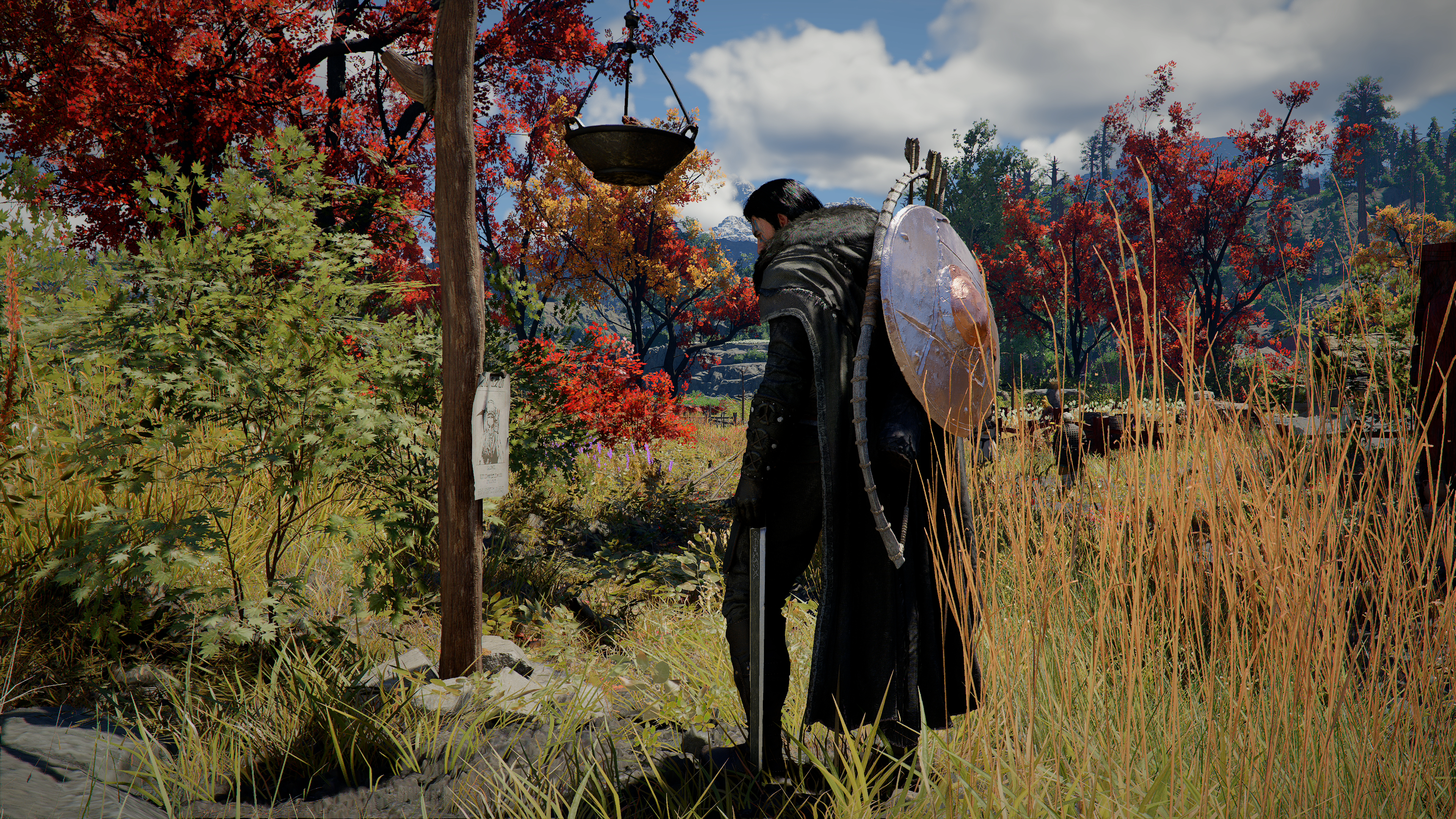
Crimson Desert Inventory Category Tabs, Map Filters, and Markers Guide After 1.04.00
Patch 1.04.00 makes the inventory and map much easier to use. Here is how category tabs, saved sorting, grouped icons, filters, Memory Fragments, custom markers, well icons, and minimap directions work now.
Patch 1.04.00 finally turns Crimson Desert's inventory and map cleanup into a live feature set instead of a preview promise. The patch does not just add more space. It makes your bag easier to read, your sort preferences more stable, and the map much more useful for route planning.
That is why this guide is different from the older preview-style tabs article. The April 9 roadmap told players what Pearl Abyss wanted to improve. The April 23, 2026 patch note tells players exactly what shipped.
Quick answer
Patch 1.04.00 officially adds or improves:
- inventory category tabs
- saved sort settings per category
- grouped inventory icons
- map
Filters/Search - map and minimap icons for obtained
Memory Fragments - customizable map-marker shape and color
- shop stock display for shops where you reached maximum trust
- well icons on the map and minimap
- north, south, east, and west on the minimap
That makes this one of the most useful daily-play updates in the entire 1.04 wave.
Inventory category tabs are live now, and the labels matter more than the count
Pearl Abyss says the inventory can now be viewed through category tabs.
The official note then lists:
AllDocumentsEquipmentFoodMaterialsOthers
One wording quirk is worth noticing: the same note says there are 5 categories, but it names six labels. The safest way to use the feature is to trust the label list, because that is the part you actually interact with.
Why the tabs matter in practice
The tabs solve a real gameplay problem, not a cosmetic one.
Before 1.04.00, a long session could leave you juggling:
- gear
- ingredients
- raw materials
- quest items
- recipe or document-style items
- sellable extras
Now the first step in cleanup is no longer "sort one giant mixed list." It is "go to the category that matches what you are trying to do."
That alone cuts down a lot of bag friction.
Saved sort settings are the underrated feature
Pearl Abyss also says the sort settings for each inventory category are saved and remain in effect even after restarting the game.
That may be the most important line in the whole inventory section.
Why:
- a good category system is weaker if it resets every session
- persistent sorting makes the tabs feel like a real workflow, not a temporary visual filter
- players can build a stable cleanup habit around category type instead of redoing bag setup constantly
If you are the kind of player who always wants materials ordered one way and food another, this is the part of the patch you will feel every day.
Grouped icons make clutter easier to read at a glance
Patch 1.04.00 also improves grouped icons so that they show a representative image for the group.
Pearl Abyss says the feature can be toggled in:
Settings > Play > Show Group Icon in Inventory
This matters because inventory clutter is not only about how much you carry. It is also about how quickly you can identify what category of thing you are looking at.
Grouped representative icons help most when:
- you dump lots of similar materials into the bag
- you come back from gathering or cooking prep runs
- you are checking whether you already own a stack before buying more
Pearl Abyss also separates the input options for Ungroup and Ungroup All Items, which makes this system more controllable instead of more confusing.
Map Filters/Search is the biggest route-planning win
The map-side upgrade starts with a straightforward but important addition:
Filters/Search
That gives the map a much more deliberate use case. Instead of only checking a waypoint or region name, you can now actively narrow what you are looking at.
That matters most for players doing:
- region cleanup
- gathering loops
- trust-shopping runs
- camp and storage placement planning
- side-activity routing
If you spend a lot of time in Pailune Region Guide territory or are juggling different life-skill errands, map filtering is a bigger improvement than it first sounds.
Memory Fragment icons and marker customization help collectors most
Pearl Abyss also improves the map and minimap so obtained Memory Fragments display as icons.
The note adds one more useful behavior:
- after Memory Fragments are obtained, lanterns will no longer display a detection signal
That is good cleanup. Once a collectible objective is done, the guidance system stops behaving as if you still need it.
The patch also adds:
- map-marker shape choice
- map-marker color choice
Those two options are easy to underestimate, but they matter because they let players build their own map language. Instead of every custom marker meaning "some point I cared about at some point," you can separate different kinds of reminders by shape or color.
Shop stock, wells, and minimap directions are the quality-of-life part
Patch 1.04.00 also improves the map so it:
- displays shop stock status for shops where you reached maximum trust
- displays well icons on map and minimap
- displays north, south, east, and west on the minimap
These are exactly the kind of features that look small in a patch list and end up mattering constantly.
Shop stock after max trust
This is best for players who revisit trusted shops often and do not want to physically re-check stock every time.
That makes it especially useful alongside Crimson Desert Merchant Trust Guide, because the map now gives a cleaner reward for actually pushing those trust relationships far enough.
Well icons
Well icons help because environmental utility stops being guesswork once the map reflects it properly.
Cardinal directions on the minimap
This is one of the most quietly helpful changes in the whole patch. If you do not always play with a north-up mental model, simply having north, south, east, and west on the minimap reduces a lot of tiny orientation mistakes.
Who benefits most from these changes
This update helps almost everyone, but some players will feel it more.
Collectors and completionists
They benefit most from:
Memory Fragmenticons- custom markers
- filters/search
Crafters and cooks
They benefit most from:
- category tabs
- grouped icons
- persistent per-category sorting
Trust-focused and merchant-loop players
They benefit most from:
- shop stock display after maximum trust
- map search and filtering
Beginners and returning players
They benefit most from the entire package because the map and bag are now easier to read without deep system knowledge. If you need the broad basics first, Beginner Tips for Crimson Desert is still the better starting page.
How this differs from the older preview article
The older Crimson Desert Inventory Category Tabs Explained article was about why the feature looked promising before it shipped.
This guide is different because it is based on the live patch. It can now tell you:
- which tab labels Pearl Abyss lists
- that sort settings persist across restarts
- that grouped icons are toggleable
- that map
Filters/Searchexists - that Memory Fragment icons, shop stock, well icons, and minimap directions are now part of the actual UI
That is the difference between a preview topic and a live QoL system.
FAQ
What tabs are listed in the official patch note?
All, Documents, Equipment, Food, Materials, and Others.
Do sort settings reset when you restart the game?
No. Pearl Abyss says sort settings for each inventory category remain in effect even after restarting.
Can you change map-marker color and shape now?
Yes.
What map improvement helps merchant runs most?
The map now shows shop stock for shops where you reached maximum trust.
Conclusion
The inventory and map changes in 1.04.00 are exactly the kind of update Crimson Desert needed. They do not add drama. They add clarity. Tabs, saved sorting, grouped icons, search filters, collectible icons, stock visibility, wells, and minimap directions all reduce the number of tiny interface fights that pile up during long play sessions.
That is why this patch matters. It makes the game easier to live with, not just bigger.
What to read next
- Inventory Management Guide
- Crimson Desert Merchant Trust Guide
- Pailune Region Guide
- Beginner Tips for Crimson Desert
Research Notes / Sources
- Pearl Abyss,
Patch Notes Version 1.04.00 (Revised: 2026/04/23), published Apr 23, 2026, 01:48 UTC: https://crimsondesert.pearlabyss.com/en-US/News/Notice/Detail?_boardNo=84 - Pearl Abyss,
Patch Notes Version 1.04.02 (All Platforms Hotfix), published Apr 24, 2026, 00:00 UTC: https://crimsondesert.pearlabyss.com/en-US/News/Notice/Detail?_boardNo=87 - Last checked: April 25, 2026.
Author

The shared editorial byline for sourced news, patch analysis, and site-wide research maintained by the Crimson Desert HQ team.
Editorial standards
We prioritize official sources, reproducible game evidence, and clearly labeled community reports. Found an error or missing attribution?
Read our editorial policyCategories
Table of Contents
More Guides
Best AMD and NVIDIA Driver Versions for Crimson Desert
The current Crimson Desert driver guide: avoid AMD 26.6.2 and 26.6.3, use 26.6.4 or newer, and check the official NVIDIA baseline and live graphics bugs.
Crimson Desert Known Issues After Patch 1.14.00
The current Crimson Desert known issues for July 2026, including AMD driver crashes, FSR 4 rain bugs, blocked quests, controller problems, and safe workarounds.
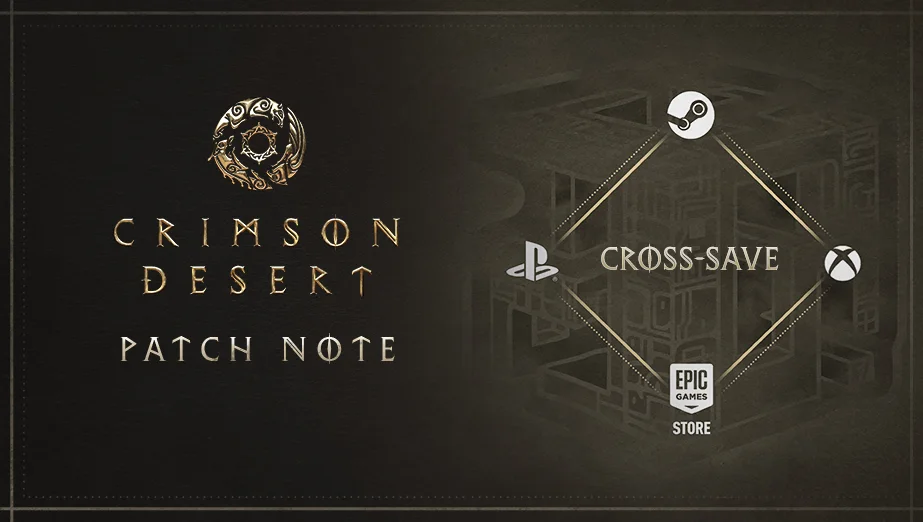
Crimson Desert Patch 1.14.00 Explained: Cross-Save, Platforms & Fixes
Crimson Desert Patch 1.14.00 adds Cross-Save for PlayStation, Xbox, Steam, and Epic Games Store, plus quest, pet-bed, combat, mount, and audio fixes.
Newsletter
Join the community
Subscribe to our newsletter for the latest news and updates