Crimson Desert Cross-Save: PS5, Xbox, PC & Mac Setup
Set up Crimson Desert cross-save on PS5, Xbox, PC and Mac. Link accounts, update one shared slot manually, and check versions before transferring.
Yes. Crimson Desert supports cross-save across PlayStation, Xbox, Steam, Epic Games and Mac. Mac support was added in 2.02.00 on September 11, 2026. Link the accounts to one Pearl Abyss ID, manually update its shared save slot, then load that slot on the destination platform. Current official Cross-Save FAQ, official Mac addition.
Reviewed October 3, 2026. The July launch notice describes the original platform list; the current FAQ and September Mac update supersede the old “Mac coming later” advice. This guide checks official documentation, without claiming a fresh transfer test on every platform.
Quick answer
| Where you play | Cross-save support | Account to link |
|---|---|---|
| PlayStation / PS5 | Supported | PlayStation Network |
| Xbox | Supported | Xbox |
| Steam on Windows or Mac | Supported; Mac feature added in 2.02.00 | Steam |
| Epic Games Store | Supported | Epic Games |
| Mac App Store | Supported feature from 2.02.00; check version compatibility below | Apple |
The current FAQ lists Mac and offers Apple account linking. The 2.02.00 notice explicitly adds Mac cross-save and now lists that patch as available for both Steam (Mac) and Mac App Store.
Mac support and the latest Mac App Store patch are separate questions. As reviewed, 2.03.02 lists Steam (PC/Mac), PlayStation, Xbox and Epic as available, with Mac App Store still in progress. A save written by a newer build cannot load on an older destination build. Check both installed versions before you write the shared slot for a transfer.
How to enable cross-save
Start with the device holding the progress you want to continue. Make a normal local save before account setup; that gives you a copy to return to if you choose the wrong progress later.
The official setup route is:
- Open Save → Cross-Save, at the bottom right.
- Follow its QR code or web link.
- Sign in with the platform account you actually play on.
- Create or sign in to a Pearl Abyss ID, and finish linking.
- Return to the game and select Refresh in Cross-Save settings.
- Select the shared slot and save the progress you want to transfer.
On the destination, link its platform account to the same Pearl Abyss ID. Open the shared slot there and load it. Before continuing, check the loaded quest, location and progress against the source save you intended to move.
Cross-save is manual, not automatic
The shared slot needs a deliberate save. A local autosave is not evidence that you updated it. Before changing devices, make your local save, update Cross-Save, and check that the slot represents the session you are leaving. Official manual-save rule.
Only keep playing on the destination once you have loaded the intended progress. When you later switch back, repeat the process from the device holding your latest session.
There is only one shared Cross-Save slot
All linked platforms use one slot per Pearl Abyss ID, rather than receiving separate shared slots. Decide which progress to upload before saving over the entry; keep local copies of sessions you may want to return to. Official slot limit.
Treat the shared slot as your handoff point, with local saves as separate recovery copies. It cannot hold several alternate playthroughs at once.
How many platform accounts can you link?
The current FAQ allows one account per platform, up to five: PlayStation Network, Xbox, Steam, Epic Games and Apple. One linked account is enough to use the slot on that platform. A platform account belongs to only one Pearl Abyss ID at a time.
Before changing a link, identify which Pearl Abyss ID holds the save you need and make the local backup described below. Do not unlink accounts as the first troubleshooting step for a missing save.
If a platform account is already linked elsewhere, the official route is to sign in to the Pearl Abyss ID holding that connection before unlinking and relinking. Read the deletion and backup steps first.
Do you need to buy the game again?
You need to own the game on every platform you use; account linking does not transfer a game purchase. Check the destination storefront's license before planning a switch. Official purchase requirement.
Do inventory and paid items transfer?
Character progress and inventory travel with the save. Platform-specific paid entitlements can be absent or disabled where you have not purchased them. The save remains playable, but linking does not grant that entitlement on the destination. Official item-transfer rule.
Check the destination item state before relying on a paid item for the next activity. Do not make a second purchase simply to diagnose an account-linking or version problem.
Once you have confirmed the intended save loaded, use the inventory and storage guide to prepare the items you need for your next outing and move reserves out of the carried bag.
Can you move a PS5 save to PC?
Yes. Use the PS5 progress as your source, link PlayStation and the destination Steam or Epic account to the same Pearl Abyss ID, then follow the Save → Cross-Save handoff above. Before progressing on PC, verify that you loaded the intended session rather than an older local save.
Can you move an Xbox save to PlayStation or Steam?
Yes. These platforms are in the supported list. The same handoff applies: check the linked ID, versions and source progress; save to the shared slot; load it on the destination.
Does Cross-Save support Mac?
Yes. 2.02.00 added the feature for Mac, and the current Cross-Save FAQ includes Mac and Apple account linking. Steam on Mac uses the Steam account; the Mac App Store route uses Apple.
For a Mac App Store destination, check the installed build before moving a save from a recently updated platform. Its delay in the newer 2.03.02 rollout does not revoke the feature added in 2.02.00.
Keep every platform on the same game version
The compatibility direction matters: an older save can load after an update, while a newer save cannot load on a platform awaiting that update. The FAQ recommends the same latest version across platforms. Official version rule.
Compare the installed builds before a handoff, then check the relevant notice's platform rollout. If the destination is behind, continue on your source device and keep a local save until that update arrives. Do not overwrite a usable older shared save simply to test whether a newer file will load.
When returning to an older playthrough after updates, inspect the selected character's Skills before spending resources. The Abyss Artifacts and skill-reset guide explains the character-specific changes and the confirmation checks to make before a reset.
Be careful when unlinking accounts
Unlinking the final platform account or deleting the Pearl Abyss ID permanently deletes the shared cloud data. The FAQ says it cannot be restored. Official deletion rules.
Before changing account links:
- Load the shared progress on a compatible linked device.
- Save it to a normal local slot.
- Load that local copy and verify its progress.
- For Windows or Mac, also make the separate file backup below.
If you cannot load the cloud progress yet, resolve access or version compatibility before removing its account links. These steps protect your chosen local copy; they do not make a deleted cloud slot recoverable.
Cross-save data not appearing
Work through these checks without deleting the shared slot:
| What you see | Check next |
|---|---|
| No shared save | Correct platform account and Pearl Abyss ID; whether the source used the Cross-Save slot; internet connection |
| Linking error | Account you signed in with; whether it is already linked to another Pearl Abyss ID; network access |
| Save visible but cannot load | Source and destination build numbers; destination's patch rollout |
| Loaded progress is old | Which session was last uploaded; compare it with the local source copy before another upload |
Restart the destination game after confirming linking, upload and network status; this is the official missing-save troubleshooting step. Offline play cannot upload or download Cross-Save. The FAQ also excludes suspended Pearl Abyss IDs and regions where ID creation is unavailable.
Back Up Local Saves Before Changing Accounts
Pearl Abyss recommends multiple local saves and separate file backups. Its Save Data Notice gives these locations; replace the Windows username placeholder with your own:
Windows: C:\Users\<username>\AppData\Local\Pearl Abyss\CD\save
Steam Mac: ~/Library/Application Support/Pearl Abyss/CD/save
Mac App Store: ~/Library/Containers/com.pearlabyss.CrimsonDesert/Data/Library/Application Support/Pearl Abyss/CD/save
Inside save, the numeric folder holds the in-game save files. With the game closed, copy your save files to another drive or external storage and retain the original files. A local backup is for recovery on the relevant installation; it is not a substitute for the official PS5/Xbox/PC cross-save route.
The same notice warns that platform cloud storage can conflict with local data. Wait for Steam Cloud to finish before closing its client. On PlayStation, compare cloud and console timestamps if a conflict appears. Cross-Save's one manual slot does not replace checking those separate synchronization systems.
What Cross-Save does not confirm
A successful handoff confirms that you loaded the chosen save. It does not verify that every destination entitlement, platform-cloud backup or achievement behaves the way you expected. Check those systems separately before depending on them; this guide does not promise retroactive trophies, mod compatibility or a PlayStation Plus subscription exemption.
FAQ
Does Crimson Desert have cross-save?
Yes: PlayStation, Xbox, Steam, Epic Games and Mac are supported. Mac cross-save was added in 2.02.00.
Is Crimson Desert Cross-Save automatic?
No. Update the shared slot yourself before switching platforms.
Can I transfer my PS5 save to Steam?
Yes. Link both accounts to one Pearl Abyss ID, save to Cross-Save on PS5, then load it on Steam. Check versions first.
Do I need two copies of Crimson Desert?
You must own the game on each platform you use. Linking accounts does not transfer a purchase.
Does Cross-Save include Mac?
Yes, from 2.02.00. A newer save can still be blocked by a delayed Mac App Store update.
How many Cross-Save slots are available?
One per Pearl Abyss ID, shared by its linked platforms.
What to read next
- Official Cross-Save setup and FAQ — linking and shared-slot rules.
- Official 2.02.00 Mac addition — the change that supersedes July's Mac limitation.
- Official current patch announcements — compare rollout status before switching.
- Official save backup notice — local paths and platform cloud conflicts.
October 3, 2026 revision: added confirmed Mac support and Apple linking; separated feature availability from patch compatibility; updated the five-account limit, backup workflow and visible FAQ. Original publication date and URL retained.
Author

The shared editorial byline for sourced news, patch analysis, and site-wide research maintained by the Crimson Desert HQ team.
Editorial standards
We prioritize official sources, reproducible game evidence, and clearly labeled community reports. Found an error or missing attribution?
Read our editorial policyCategories
Table of Contents
More Guides
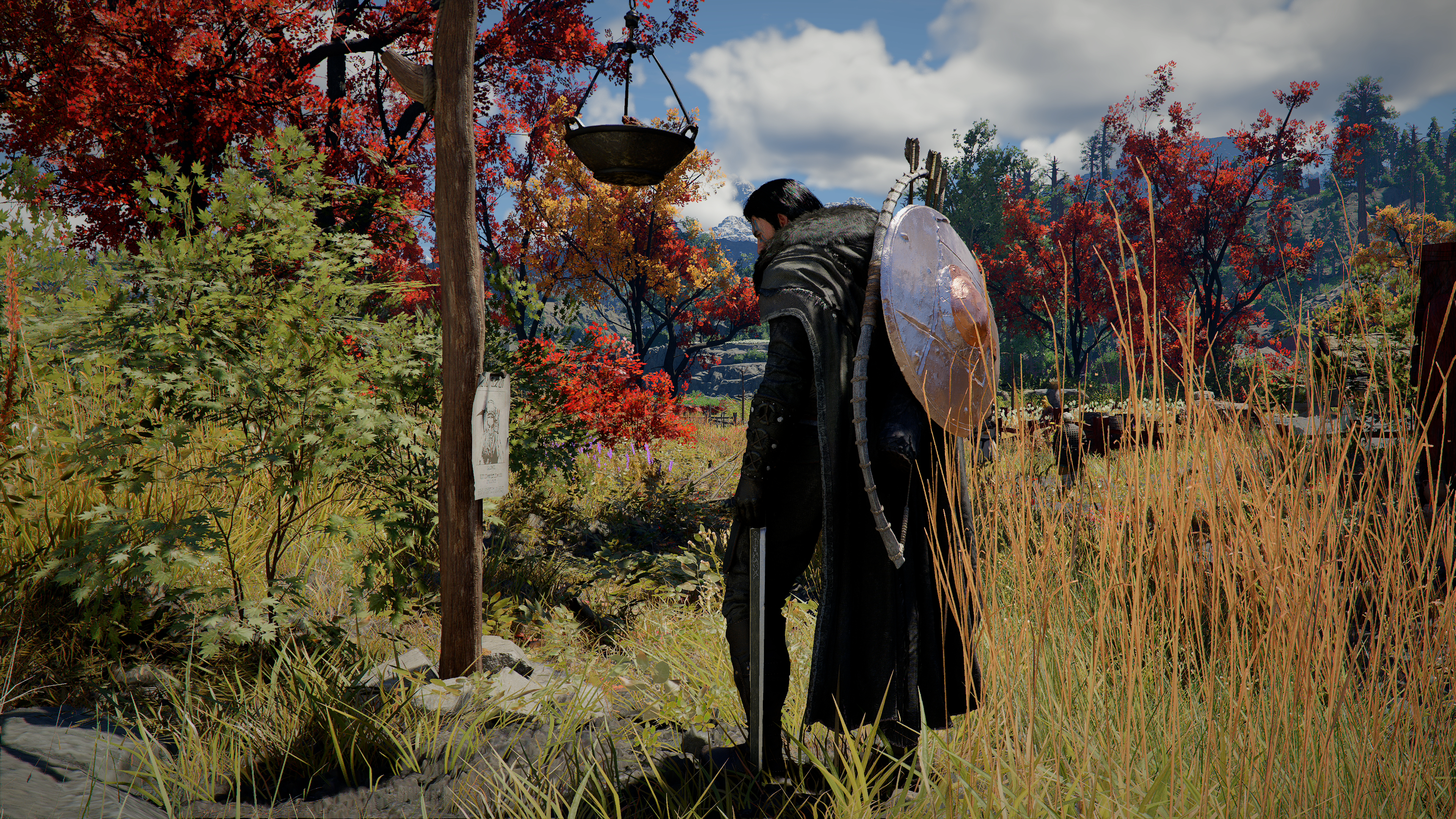
Crimson Desert Inventory: 240-Slot Cap & Storage
Increase inventory with expansion items, distinguish the 240-slot bag cap from 1,000-slot Private Storage, and find the right chest before selling loot.

Crimson Desert Camp Upgrade Guide: Levels 1-5, Materials & Unlocks
Follow the Camp Expansion route through Levels 1-5, check your live material and recruit requirements, and troubleshoot a missing Level 4 mission.
Hernand Region Exploration Guide: What to Do Next
Choose your next Hernand route by story progress: town and bell, available commissions, Howling Hill, Scholastone, and optional quest detours.
Newsletter
Join the community
Subscribe to our newsletter for the latest news and updates