Crimson Desert Weapon Display Option Guide
Patch 1.03.00 adds a Weapon Display option. Here is where to find it, what the melee and ranged choices do, and how it differs from headgear visibility.
Patch 1.03.00 adds the Weapon Display option to Crimson Desert. This is the live version of one of the most requested cosmetic improvements: better control over how weapons appear on your character when they are not actively being used.
It is not a power setting. It is a presentation setting. But in a game with long cutscenes, screenshots, armor sets, and a lot of visible gear, presentation matters.
Quick answer
You can find Weapon Display here:
Others > Language & Gameplay > Weapon Display
The setting includes separate choices for melee and ranged weapons:
Display Melee WeaponsAllSelected Only
Display Ranged WeaponsAlwaysOnly When Used
These options do not change stats, damage, weapon availability, or equipment bonuses. They only change how weapons are shown.
Why Weapon Display matters
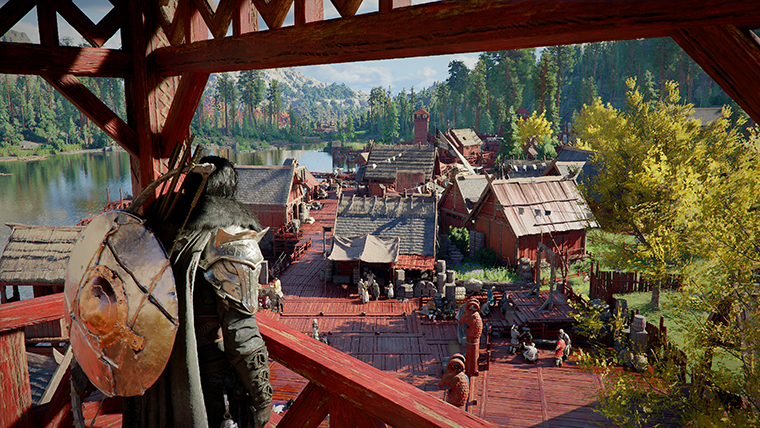
Crimson Desert often shows a lot of equipment on the character at once. That can look powerful in combat, but it can also create visual clutter during exploration, dialogue, screenshots, and cutscenes.
The new setting gives players more control over that balance. You can keep a practical combat look without turning every normal scene into a gear rack.
This also pairs well with Headgear Visibility, which was added earlier. Together, the two settings let you keep gear equipped while making Kliff and other characters look cleaner on screen.
What Display Melee Weapons does
Display Melee Weapons controls how melee weapons appear on the character when they are not actively being used.
The two options are:
AllSelected Only
All is the more complete equipment-display option. Use it if you like seeing your full carried melee loadout.
Selected Only is the cleaner option. Use it if you want the currently selected melee weapon to matter visually without showing every possible weapon on the character's back.
For most players, Selected Only is the better everyday setting because it reduces clutter without making the character feel unequipped.
What Display Ranged Weapons does
Display Ranged Weapons controls ranged weapon visibility.
The two options are:
AlwaysOnly When Used
Always keeps ranged equipment visible as part of the character's normal look. Only When Used hides it until it is actually needed.
If your main goal is cleaner screenshots or less back clutter, Only When Used is probably the best option. If you like the fully armed mercenary look, keep it on Always.
Best settings for most players
A balanced setup is:
- melee:
Selected Only - ranged:
Only When Used
This keeps the character visually readable while still showing equipment when it matters. It also avoids the most common complaint: too many weapons stacked on the back during non-combat scenes.
If you prefer the heavy-gear fantasy, use:
- melee:
All - ranged:
Always
There is no mechanical penalty either way, so choose based on what looks best.
How this differs from Headgear Visibility
Headgear Visibility controls helmets and headgear. Weapon Display controls weapons shown on the body.
That means the two settings solve different problems:
- use
Headgear Visibilityif helmets are blocking character presentation - use
Weapon Displayif weapons are cluttering the character model - use both if you want the cleanest look for screenshots and story scenes
Neither setting unequips gear. Your stats remain based on what you have equipped.
Troubleshooting
If you cannot find the setting, check these points:
- make sure the game is updated to patch
1.03.00or later - look under
Others, not only the main video settings - open
Language & Gameplay - restart the game if settings do not appear to apply correctly
If the setting behaves inconsistently in a specific cutscene, area, or character swap, record the platform, patch version, and exact equipment setup before submitting a report.
FAQ
Does Weapon Display remove weapon stats?
No. It only changes visibility.
Can I hide all back weapons?
The closest clean setup is melee Selected Only and ranged Only When Used.
Is this the same as Headgear Visibility?
No. Headgear Visibility controls helmets. Weapon Display controls weapon models.
Which setting is best for screenshots?
For clean screenshots, use melee Selected Only and ranged Only When Used.
Conclusion
Weapon Display is a small setting with a big visual impact. Patch 1.03.00 gives players more control over how equipped weapons appear, without changing combat or stats. If you care about immersion, screenshots, or just reducing visual clutter, this should be one of the first settings you check after updating.
What to read next
- Crimson Desert Hide Back Weapons Explained
- How to Use Headgear Visibility in Crimson Desert
- Crimson Desert Patch 1.03.00 Explained
Sources used
- Pearl Abyss, Patch Notes Version 1.03.00: https://crimsondesert.pearlabyss.com/en-us/News/Notice/Detail?_boardNo=81
著者

カテゴリー
その他のガイド
Crimson Desert PS5 and Xbox Graphics Modes, 120Hz, and Blurry Screen Fix
Crimson Desert on console now makes more sense after patch 1.00.03. Here is how the graphics modes fit together, when 120Hz actually helps, and why Pearl Abyss keeps pointing players back to HDMI 2.1 and VRR.
How to Get the Beehive Club in Crimson Desert
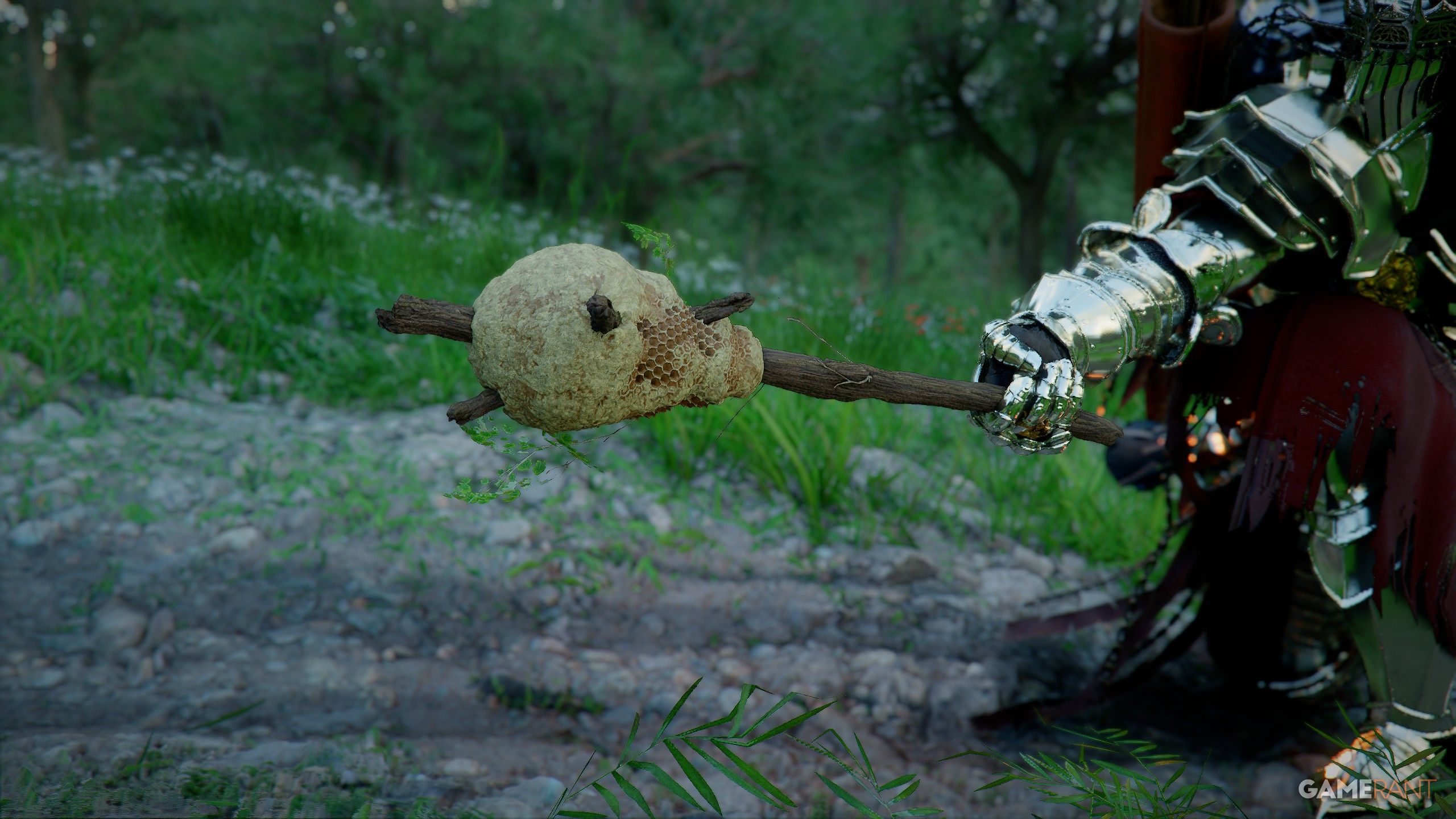
The Beehive Club is one of Crimson Desert's strangest early weapons. Here is where players are finding it, how the drop works, and what makes it useful.
Crimson Desert Wanted System Explained
The wanted system in Crimson Desert is about your own crimes, fines, guards, and prison time. Here is how it escalates, how to clear it, and how it differs from bounty hunting.