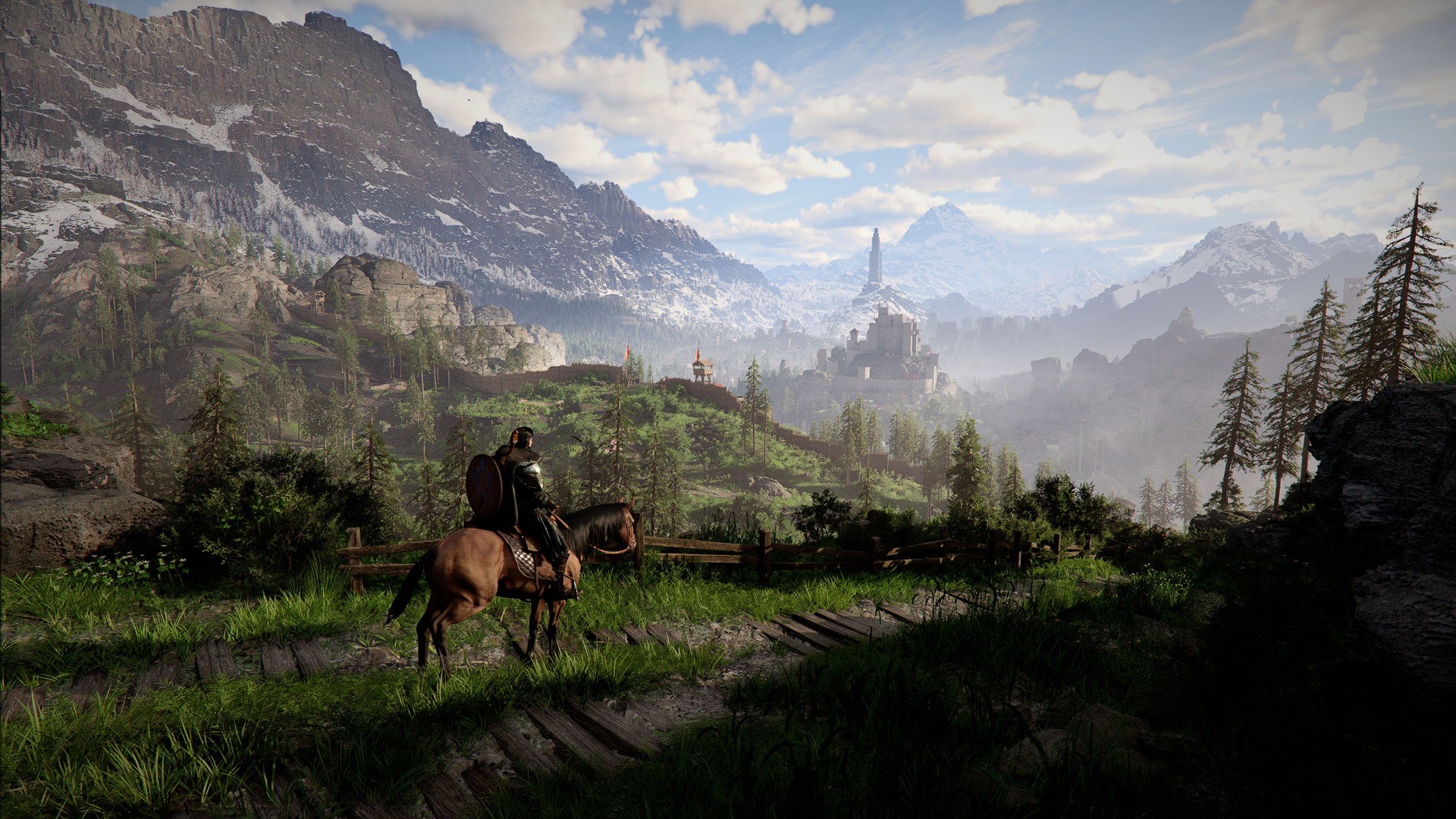
Crimson Desert Patch 1.01.00 Explained: The Biggest Changes That Actually Matter
Patch 1.01.00 is Crimson Desert's first post-launch update that meaningfully changes movement, UI readability, loading times, and platform-specific visuals. Here is what actually matters.
Patch 1.01.00 matters because it does more than clean up edge cases. It improves movement feel, makes the UI easier to read, shortens some of the game's worst loading moments, adds five new summonable mounts, and introduces a new Fixed 4K Output option on PS5.
The short version is simple: if 1.00.03 was Pearl Abyss' first broad response patch, 1.01.00 is the update that starts making Crimson Desert feel less stubborn in everyday play.
Quick answer
The biggest player-facing changes in patch 1.01.00 are:
- better movement behavior for both Kliff and horses
- meaningful
FlightandAerial Stabchanges - a new north-up minimap option and broader UI cleanup
- faster loading through
Abyss Tracesand after death - better inventory and pouch handling
- five new summonable mounts
- sharper image options for
PS5
That does not mean everything is fixed. Based on the current official notices, some live issues still remain outside this patch.
What changed in patch 1.01.00
Controls and movement got another real pass
Pearl Abyss clearly kept working on the control complaints it acknowledged in its official A Message to Our Players. Patch 1.01.00 improves movement controls for both the player character and horse, makes short-distance turning more responsive, expands interaction range around NPCs and objects, and cleans up several awkward combat behaviors.
Some of the highest-value changes are not flashy, but they matter in normal play:
Flightuses less stamina and no longer has the brief stop before movement beginsAerial Stabwas rebalanced so repeated midair use scales in stamina cost instead of staying effectively freeRollandEvadenow work correctly while using focus skills- weapons can be drawn with the unsheathe key, with clearer UI guidance
- bosses and enemies are less likely to hit you immediately after a death-and-revive sequence
If you bounced off the game because it felt rough rather than because you disliked the core design, this is one of the more important patches so far.
UI and quality-of-life changes are bigger than they look
The UI section of the official notes is easy to skim past, but it may be the part you notice most often during normal sessions.
Patch 1.01.00 adds a north-up minimap option, key and anvil icons on the minimap, clearer quest and challenge information in Notifications, better main-screen notification timing, a new-quest marker in the Journal, brighter UI description text, and a more readable Knowledge menu.
Those changes matter because Crimson Desert is dense. A small reduction in map friction, notification clutter, or inventory busywork pays off every hour you play.
The patch also improves inventory handling in ways that are immediately practical:
Store all selected itemsnow sends chosen inventory items to private storage in one step- pouch-type items default to
Use All - extra inventory expansion items beyond the
240-slotcap now convert into material boxes instead of becoming dead rewards
For the detailed breakdown, read Crimson Desert Inventory and Pouch Changes After Patch 1.01.00 and Crimson Desert North-Up Minimap and UI Changes After Patch 1.01.00.
New content is here, but Pearl Abyss is still being careful
The headline content addition is the set of five new summonable mounts. Pearl Abyss revealed the mount names in the official notes but intentionally did not publish full unlock conditions in plain view, which is why you should be careful around social posts pretending to have definitive acquisition routes on day one.
The official list names:
White BearSilver FangSnowwhite DeerRock Tusk WarthogIcicle Edge Alpine Ibex
The patch also says people in Pywel are not afraid of these tamed animals, so you can travel through towns with them without triggering that usual social friction.
If mounts are your main interest, use Crimson Desert 5 New Mounts Explained After Patch 1.01.00 alongside the older All Mounts Guide.
Graphics and performance changes are more practical than dramatic
On the visual side, Pearl Abyss says 1.01.00 improves rendering stability in low-resolution and upscaled scenarios, improves translucent materials such as hair and fur when FSR-RR or DLSS-RR is enabled, fixes long-session screen-noise growth, and changes the DLSS-RR preset from D to E.
The new platform-specific headline is the PS5 option called Fixed 4K Output, which is enabled by default and aims to deliver a sharper image. Pearl Abyss says this can output at 4K even if the display does not natively support 4K, and on base PS5 Performance Mode it works alongside FSR upscaling.
That deserves its own explainer because it is easy to misunderstand. If you want the practical read, go straight to Crimson Desert PS5 Fixed 4K Output Explained.
Loading and stability finally got direct attention
The most welcome system-level improvement may be the loading work. Pearl Abyss says 1.01.00 reduces loading times when traveling via Abyss Traces and when respawning after death. It also removes the whiteout effect during retry loading, fixes frame drops in the Crowcaller battle, and addresses several stability, performance, and crash issues across PC, console, and Mac.
That does not guarantee universal gains for every setup, but it does tell you where the studio is focusing its next layer of cleanup.
What changed from patch 1.00.03
Patch 1.00.03 was mostly about emergency cleanup: controls, healing, storage, early progression friction, and console display explanation. Patch 1.01.00 feels more like the next pass after that foundation.
This time the improvements are spread across:
- traversal feel
- combat edge cases
- map and notification clarity
- inventory convenience
- load times and respawn flow
- follow-up visual cleanup
So this is not just another hotfix roundup. It is a more usable-game patch.
What is still not fixed
Based on the current official notices, there are still issues you should not assume 1.01.00 solved automatically.
The biggest ones to keep an eye on are:
- the
cloudcartsummoning issue - the
FSR4rainy-scene blur and distortion issue - the
ROG Xbox Ally Xlaunch issue
Patch 1.01.00 fixes a lot, but it does not claim to clear that whole board.
What you should do now
If you are installing 1.01.00 today, the best order is:
- Update first and retest the exact pain point you care about.
- Recheck movement,
Flight, and UI options before redoing all of your settings from scratch. - If you are on
PS5, testFixed 4K Outputbefore assuming your old display advice still applies. - If you are on
PC, compare your post-patch image quality with Best PC Settings for Crimson Desert After Patch 1.00.03. - If your issue still matches an official live bug, keep Crimson Desert Known Issues and Best Workarounds open and report it through the official support flow.
FAQ
Is patch 1.01.00 a major update?
Yes, by current Crimson Desert standards it is. It changes core movement, UI behavior, loading flow, and platform-specific visuals rather than just fixing one or two narrow bugs.
What is the single biggest change in patch 1.01.00?
For most players, it is the combined effect of better movement feel, cleaner UI, and shorter Abyss Trace and death-respawn loading.
Does patch 1.01.00 fix the current known issues list?
Not completely. It fixes some previously reported problems, but official notices still point players to the live known-issues page for remaining open cases.
Should keyboard and mouse players care about this patch?
Yes. It includes another round of Keyboard/Mouse fixes and quality-of-life changes on top of what 1.00.03 already addressed.
What to read next
Use Crimson Desert Patch 1.01.00 on PS5, Xbox, Epic, and Mac: Current Rollout Status if your platform still does not have the patch. For feature-specific follow-ups, read Crimson Desert Flight Changes After Patch 1.01.00, Crimson Desert Aerial Stab Changes After Patch 1.01.00, and Crimson Desert North-Up Minimap and UI Changes After Patch 1.01.00. Keep Crimson Desert Known Issues and Best Workarounds nearby for anything that still looks unresolved.
Author

The shared editorial byline for sourced news, patch analysis, and site-wide research maintained by the Crimson Desert HQ team.
Editorial standards
We prioritize official sources, reproducible game evidence, and clearly labeled community reports. Found an error or missing attribution?
Read our editorial policyCategories
Table of Contents
Newsletter
Join the community
Subscribe to our newsletter for the latest news and updates