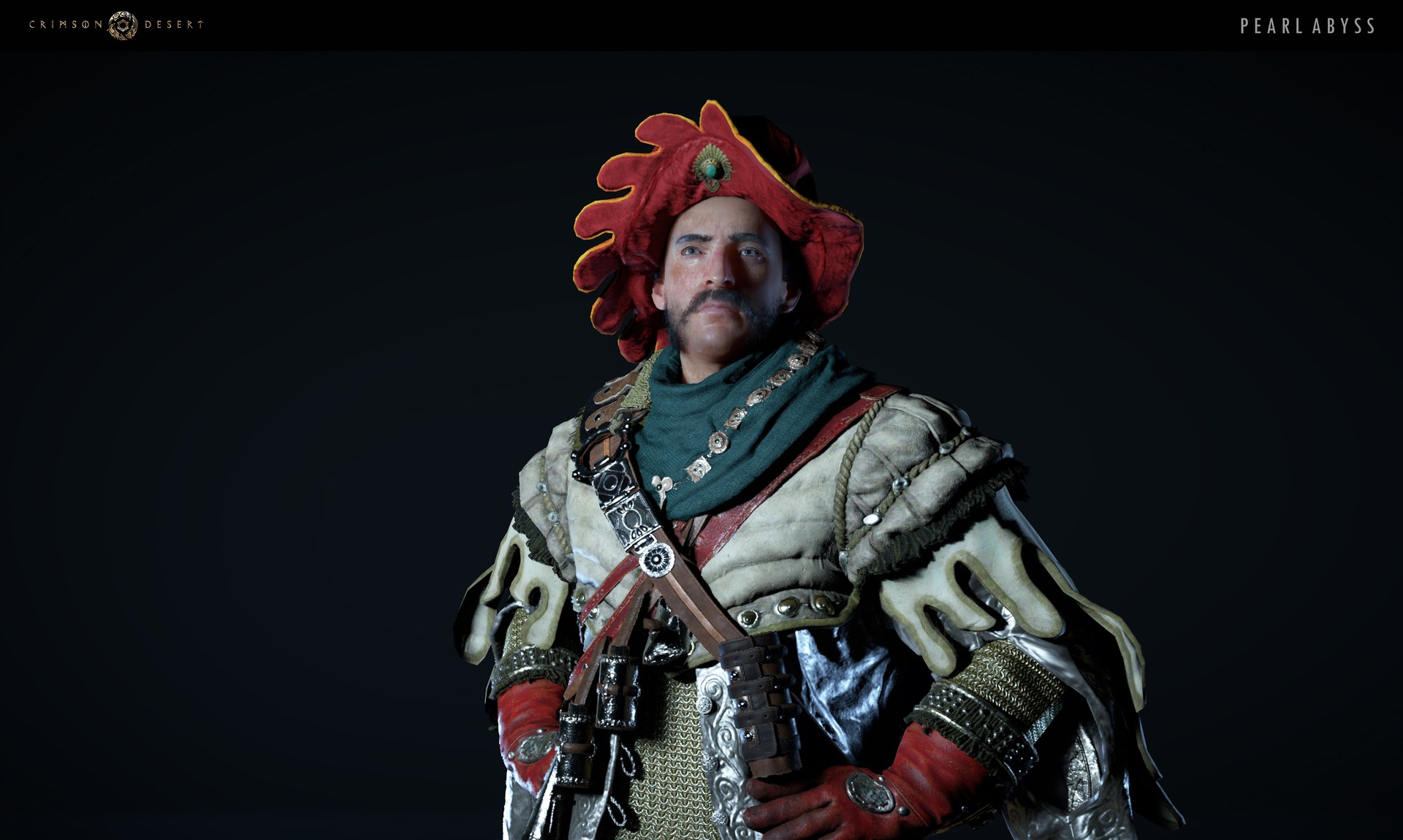
Crimson Desert Bonus Items Missing? How to Check Add-ons and What Was Fixed
If your Crimson Desert bonus items seem missing, start with Add-ons. Here is where Deluxe, pre-order, PS5 bonus, and Twitch Drops rewards are supposed to appear now.
If your Crimson Desert bonus items seem missing, the first place Pearl Abyss wants you to check is the Add-ons menu. In the official FAQ, the studio says bonus items from the Deluxe Pack, Ultimate Pack, Pre-order Bonus, PlayStation 5 Exclusive Bonus, and Twitch Drops can all be found there.
That is the most important answer on March 28, 2026. The second useful update is that the official known-issues page has already moved earlier Steam pre-order and Collector’s Edition / Ultimate Pack claim problems into the Solved section, which changes how players should interpret missing-item reports now.
The official item location
Pearl Abyss says bonus items and Twitch Drops rewards can be found here:
Menu -> Other -> Options -> Add-ons
From there, the official FAQ says you should:
- select the item from the
Receivable Itemslist - click
Receive - move it into your inventory
If you have not checked that path yet, do that before anything else.
What counts as a bonus item here
The FAQ groups several reward types into the same Add-ons answer:
Deluxe PackitemsUltimate PackitemsPre-order BonusPlayStation 5 Exclusive BonusTwitch Drops
That means the Add-ons menu is not just for one event or one edition. It is the main reward-claim surface Pearl Abyss publicly points to.
What was already fixed
The live known-issues page is helpful here because it shows what used to be broken.
Pearl Abyss moved these issues into the Solved section:
Steam pre-order purchasersunable to claim pre-order bonus and deluxe pack itemsCollector’s Edition Steam edition pre-order purchasersunable to claim ultimate pack items
That does not mean every player will never see a missing-item confusion again. It does mean the studio no longer lists those exact entitlement problems as current live issues.
Why this matters for current troubleshooting
Because those earlier claim issues are now marked solved, the current support-safe order is different.
You should not start from the assumption that every missing bonus item is a still-live global entitlement failure. Instead, start with:
- did you actually check
Add-ons? - are you looking at the right reward type?
- is your platform flow complete?
That is a much better first pass than assuming the whole reward system is still broken.
How to check Add-ons the right way
The safest order is:
- open
Menu - go to
Other - open
Options - open
Add-ons - look at the
Receivable Itemslist - receive the item into your inventory
If the item is there, the problem is already solved. You were looking in the wrong place.
How Twitch Drops fits into this
This is where players often get tangled.
Twitch Drops and edition bonuses are different entitlement paths, but Pearl Abyss says they ultimately meet in the Add-ons menu. That means:
- your
Twitchclaim flow still has to be completed correctly - your
DeluxeorPre-orderentitlement still has to be valid - but the in-game pickup point is still
Add-ons
If your real issue is Drops timing or platform redemption, use Crimson Desert Twitch Drops Guide for Week 2 and Crimson Desert Twitch Drops Guide.
What to do if Add-ons is empty
If Add-ons is empty, move through the simple checks before escalating.
1. Confirm what reward you are actually expecting
Do not mix:
- Deluxe pack items
- pre-order items
- Twitch Drops
- PlayStation bonus items
The entitlement path is not identical for every reward type.
2. Confirm your reward path is complete
For example, Twitch Drops still require the external Drops flow to be completed. An empty Add-ons menu after half-finishing the Twitch side is not the same thing as a missing Deluxe entitlement.
3. Check the current known-issues page
If the reward problem you are seeing is not one Pearl Abyss still lists as live, that gives you a cleaner basis for support escalation.
4. Report the issue if the entitlement should clearly be there
At that point, explain:
- which reward type is missing
- which platform you are on
- whether Add-ons is empty or just missing one item
- whether the problem is reproducible after restart
Is this article different from the Twitch Drops guides?
Yes.
The Twitch articles are about:
- event windows
- watch-time rewards
- claim flow
This article targets a narrower search intent:
my bonus items are missingwhere are deluxe itemswhy is Add-ons empty
Those are related, but not the same question.
FAQ
Where are Crimson Desert bonus items supposed to appear?
Pearl Abyss says they appear in Menu -> Other -> Options -> Add-ons.
Does Add-ons hold only Twitch Drops?
No. The FAQ says Add-ons is also where Deluxe, Ultimate, pre-order, and PS5 bonus items can be found.
Were there real Steam claim issues at launch?
Yes, but the official known-issues page now moves the Steam pre-order and Collector’s Edition claim problems into the Solved section.
What should I do if Add-ons is still empty?
Confirm the reward type, complete the correct entitlement flow, compare against the live known-issues page, and report the issue if it still should clearly be there.
What to do next
Check Add-ons first, not last. Then separate edition bonuses from Twitch Drops before escalating. For the event side, use Crimson Desert Twitch Drops Guide for Week 2 and Crimson Desert Twitch Drops Guide. For broader live-status context, keep Crimson Desert Known Issues and Best Workarounds open.
더 많은 가이드
Can You Upgrade from Standard to Deluxe in Crimson Desert?
Crimson Desert does not have a dedicated edition-upgrade button, but a separate Deluxe Pack now exists after launch. Here is what you can buy separately and what you cannot.

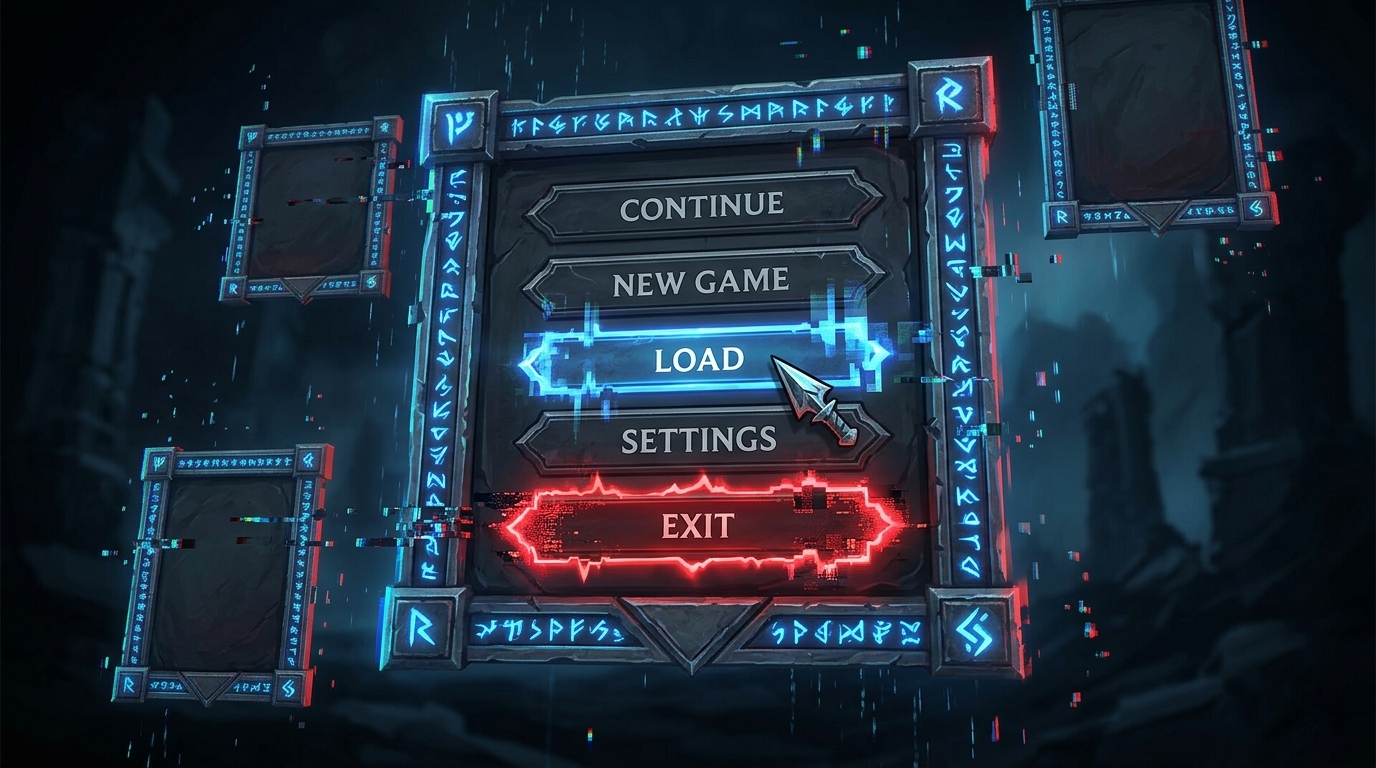
Crimson Desert Refinement Menu Mouse-Focus Bug: Current Status and Workaround
The refinement menu in Crimson Desert has a confirmed bug where the UI focus automatically snaps to the mouse cursor position, disrupting the tempering workflow. Here is the current status and how to mitigate it.
How to Use Abyss Nexus Teleport While Mounted in Crimson Desert
Patch 1.03.00 makes Abyss Nexus teleportation more flexible by allowing use while mounted, falling, swimming, or climbing walls.
Newsletter
Join the community
Subscribe to our newsletter for the latest news and updates