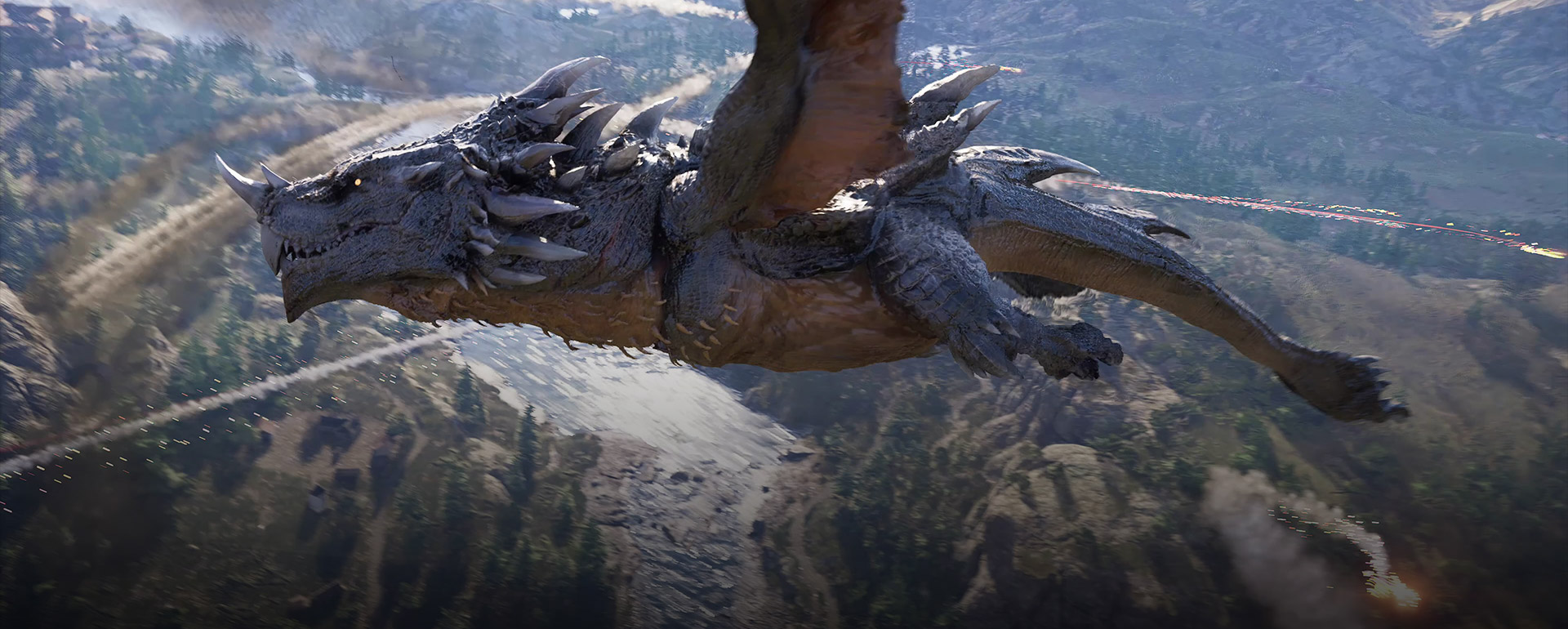
Crimson Desert ROG Xbox Ally X Launch Issue Explained
Pearl Abyss still lists a live Crimson Desert launch problem on ROG Xbox Ally X. Here is the exact driver pair it names, who is investigating it, and the temporary workaround the studio currently recommends.
If you are trying to launch Crimson Desert on ROG Xbox Ally X and the game refuses to start, the safest current answer is not buried in a random forum thread. It is already on Pearl Abyss' official Known Issues page.
As checked for this draft, the official notice still lists the issue as active and time-stamps that list at Last updated: 2026/03/26 13:00 UTC. The key details are very specific:
- the issue is tied to
ROG Xbox Ally X - Pearl Abyss says it happens on the
latest driver version MicrosoftandAMDare investigating- the official temporary guidance is to install the immediately previous driver version from the
ASUSwebsite
That means this is not a vague "handheld performance is bad" complaint. It is a named launch problem with named driver versions and a named stopgap.
What the official notice says right now
Pearl Abyss' wording is narrow and factual. The studio says Crimson Desert is "not launching properly" on ROG Xbox Ally X when the device is running the latest listed driver version. It then says Microsoft and AMD are currently looking into the problem.
That is the current official status. There is no official statement saying the issue is solved, no patch number attached to the fix, and no broader claim that every handheld launch problem has the same cause.
This matters because launch-week troubleshooting advice gets messy fast. The official note gives you one affected device, one current driver target, one fallback driver, and one clear instruction: use the previous ASUS-posted driver until the issue is resolved.
The exact driver versions Pearl Abyss names
The official known-issues notice does something useful here: it publishes the version numbers instead of saying "old driver" and leaving players to guess.
Pearl Abyss lists:
Latest Driver Version:V32.0.23027.4002Previous Driver Versionrecommended until the issue is resolved:V32.0.21025.27003
Those numbers are the core of the whole article. If you are already on the previous driver and the game still does not launch, your case may not match the exact official scenario anymore. If you are on the latest listed driver and the game fails to boot, you are probably looking at the same live issue Pearl Abyss has already acknowledged.
Who is investigating it
Pearl Abyss does not say this is only an ASUS problem or only a game-client problem. The current notice says Microsoft and AMD are looking into it.
That matters for two reasons:
First, it suggests the studio does not see this as a single in-game menu bug that can be explained away with a local settings reset.
Second, it tells you why the current guidance is conservative. When multiple vendors are involved, the studio is more likely to publish a short-term workaround first and a cleaner fix later.
So the current official message is not "toggle this hidden setting and you are done." It is closer to: rollback to the previous driver if you are affected, then wait for the broader fix path to settle.
What the official workaround actually is
Pearl Abyss' temporary guidance is simple:
- Do not stay on the latest named driver if that is the version causing the launch failure.
- Install and use the immediately previous driver version.
- Get that previous driver from the
ASUSwebsite.
That is all the official notice promises right now. It does not publish a long rollback tutorial. It does not tell you to start deleting game files. It does not tell you to reset Windows. It just points you back to the previous ASUS driver while Microsoft and AMD investigate.
That narrowness is important. If you want to stay support-safe, do not inflate the official workaround into a giant repair ritual Pearl Abyss never published.
What this does and does not say about handheld support
The existence of this issue does not automatically mean Pearl Abyss has abandoned handheld support.
In fact, the official PC, Console, Mac Performance Specs notice from March 10, 2026 explicitly included both Rog Xbox Ally and Rog Xbox Ally X in its published performance materials. That tells you these devices were part of the official performance conversation before launch.
So the clean reading is:
- Pearl Abyss did publish official Ally and Ally X performance targets
- a later live issue now affects
ROG Xbox Ally Xon a specific driver path - the device is not being described as permanently unsupported
- the current problem is a live compatibility issue, not a broad withdrawal of handheld support
That is a more useful framing than either extreme. The device is not "fully fine" right now, but it is also not being written off by the studio as a dead platform.
Do not confuse this with the Xbox PC App issue
This is another place where search intent gets messy.
Crimson Desert also had an Xbox PC App launch problem that Pearl Abyss moved into the Solved section of the known-issues list, while keeping the Gaming Services workaround in the FAQ for players who still run into it. That is a different issue from the ROG Xbox Ally X driver problem.
The short distinction is:
Xbox PC Appissue: centered on Microsoft's PC storefront andGaming ServicesROG Xbox Ally Xissue: centered on the handheld plus the latest named driver version
If you treat them as the same bug, you can waste time using the wrong fix path.
What to do if you are affected today
If you are on ROG Xbox Ally X, the cleanest support-safe order looks like this:
- Check whether you are actually on the latest named driver version from the official notice.
- If you are, use the previous ASUS-posted driver Pearl Abyss names.
- Re-test the game after the rollback.
- Keep an eye on the live
Known Issuespage for status changes. - If the issue persists after following the official workaround, use Pearl Abyss'
Report an Issueflow instead of stacking random community fixes.
That last part matters. When Pearl Abyss has already acknowledged a live issue, the most useful next step is usually to provide clean reproducible information back through the official report path.
What not to assume yet
There are still several things Pearl Abyss has not confirmed:
- that every Ally X launch failure has the same cause
- that the next game patch alone will fix it
- that the problem affects the original
ROG Xbox Allyin the same way - that a newer driver beyond the named one is already safe
That means you should avoid broad statements like "Crimson Desert is broken on all Xbox handhelds" or "the problem is already fixed if you just update everything." The official notice is much narrower than that.
Why this issue matters
The ROG Xbox Ally X is one of the most visible Windows-handheld targets in Crimson Desert's official platform materials, so a launch failure here is not just another small PC edge case. It hits a device Pearl Abyss already used in its public performance messaging.
That is why the driver numbers matter so much. They give affected players something actionable right now, even before a permanent fix arrives.
FAQ
Is the ROG Xbox Ally X launch issue still officially active?
Yes. Pearl Abyss still lists it on the official Known Issues page checked for this draft, which showed Last updated: 2026/03/26 13:00 UTC.
Which driver version is causing the problem?
Pearl Abyss names V32.0.23027.4002 as the latest driver version associated with the issue.
What driver does Pearl Abyss recommend instead?
The official temporary guidance is to use V32.0.21025.27003, the immediately previous driver version available on the ASUS website.
Who is investigating the issue?
Pearl Abyss says Microsoft and AMD are looking into it.
What to do next
Keep Crimson Desert Known Issues and Best Workarounds bookmarked for status changes, then compare the handheld baseline against Crimson Desert System Requirements — PC, PS5 & Xbox. If your problem is on the Microsoft-store version of the game rather than the Ally X driver path, go to How to Fix Crimson Desert Not Launching on the Xbox PC App.
더 많은 가이드

How to Beat White Bearclaw in Crimson Desert
Complete strategy guide for the White Bearclaw boss fight in Crimson Desert — a Pailune bear boss found at Vat'nholl Fortress during the Shadows of Beasts faction quest.

Crimson Desert GeForce NOW Support Explained
Crimson Desert officially supports GeForce NOW. Here is what Pearl Abyss and NVIDIA have confirmed, what storefront path is explicit, and what cloud play does not change.

Crimson Desert Hide Back Weapons Feature Explained
Pearl Abyss says a hide back weapons option is coming to Crimson Desert. Here is what we know and why it matters after the new headgear visibility patch.
Newsletter
Join the community
Subscribe to our newsletter for the latest news and updates