Crimson Desert Known Issues April 14, 2026 Workarounds
The known-issues notice was updated on April 14, 2026. Here are the active problems to watch and the safest temporary workarounds.
Pearl Abyss updated the official Crimson Desert known-issues notice on April 14, 2026. The list is important because patch 1.03.00 and hotfix 1.03.01 fixed several things, but they did not clear every active problem.
This guide summarizes the current issues players should actually watch for and gives practical temporary workarounds where the official notice or common troubleshooting logic supports one.
Quick answer
As of the April 14 known-issues update, the most important active problems include:
- AMD GPU crashes when
Model Qualityis set toCinematicand the map is opened in certain regions - Intel Arc rendering problems
- Intel Arc A770 crashes when using XeSS
- Intel Arc A750 crashes when entering Hernand city
- Intel Arc A-series display problems when
XeSS 3.0orXeSS Frame Generationis enabled - Abyss Nexus or stone lantern markers sometimes not appearing after
Blinding Flash - GTX 1060 white screen when using
FSR UpscalingandFrame Generation - ROG Xbox Ally X launch problems on the latest driver
- Cloudcart summoning issues
Golden BeerandSage's Eyeeffects not applying properly- FSR4 rain disappearing, blurring, or distorting in rainy environments
- some quest tracking and quest-state problems
If you are troubleshooting, start by checking your platform, GPU, driver version, upscaling settings, and whether the bug appears after a restart.
AMD GPU map crash
Pearl Abyss lists an AMD GPU issue where crashes may occur when Model Quality is set to Cinematic and the player opens and closes the map menu in certain regions.
Temporary workaround: lower Model Quality below Cinematic if you are on AMD and seeing map-related crashes. This is especially worth doing before long exploration sessions or region-cleanup routes.
Intel Arc issues
Intel Arc users should be extra cautious after patch 1.03.00. The patch adds official Arc support, XeSS 3.0, and XeSS Frame Generation, but the known-issues list still includes several Intel problems.
Watch for:
- display rendering problems on Intel Arc series GPUs
- A770 crashes when using XeSS
- A750 crashes when entering Hernand city
- display problems when
XeSS 3.0orXeSS Frame Generationis enabled on Intel Arc A-series cards
Temporary workaround: use the recommended Intel driver version mentioned in the known-issues notice for the listed rendering issue, avoid enabling XeSS or frame generation until baseline rendering is stable, and test Hernand city before committing to long sessions on A750.
Abyss Nexus and stone lantern markers
The known-issues notice says nearby Abyss Nexuses or stone lanterns may occasionally not be marked when using Blinding Flash.
Official temporary workaround: restart the game.
This is inconvenient, but at least it is a clear temporary fix. If you are doing Abyss cleanup and markers suddenly seem unreliable, restart before assuming you missed an objective.
GTX 1060 white screen issue
On NVIDIA GTX 1060 GPUs, enabling FSR Upscaling and Frame Generation can cause the screen to appear white.
Temporary workaround: avoid that combination. Disable frame generation first, then test FSR separately. If the white screen continues, return to safer default settings and restart.
ROG Xbox Ally X launch issue
Pearl Abyss lists a launch problem on ROG Xbox Ally X using the latest driver version. The notice says Microsoft and AMD are looking into it and recommends using the previous driver version until the issue is resolved.
The listed latest driver version is V32.0.23027.4002. The recommended previous version is V32.0.21025.27003.
Temporary workaround: roll back to the previous ASUS driver version listed in the official notice.
FSR4 rain bug
The known-issues notice says that when using FSR4 upscaling, rainy environments may cause rain to disappear or the screen to become blurry or distorted.
Temporary workaround: turn off FSR4 or use another upscaling mode when entering rainy areas. If the issue appears suddenly, change the setting and restart if needed.
Quest and progression issues
The current list also includes several quest or state problems, including:
- Cloudcart cannot be summoned
- during
Deferred Advance, retrying or abandoning the Ultimate Weapon fight when Blackstar's health is depleted can prevent Blackstar's health from fully recovering - while progressing through some quests, the next objective is not automatically tracked
- when receiving damage while holding a tree, the character can become stuck to the tree
Temporary workaround: keep manual saves before major quest steps, boss retries, and unusual interactions. If quest tracking fails, check the quest log manually instead of relying only on automatic tracking.
Items with broken effects
The effects of Golden Beer and Sage's Eye may not apply properly.
Temporary workaround: do not depend on either item for important fights or routing until the issue is fixed. Save them if they are limited, or test them in a low-risk situation before relying on them.
Problems moved to solved
Some issues that players may still be discussing have moved into the solved section, including the Nature's Snare projectile issue, the Xbox wireless controller issue for Nature's Snare, and the private-storage loot issue after liberation. Those were addressed by patch 1.03.01.
If you still see a solved issue after updating, verify your patch version and restart the game before reporting it as still active.
FAQ
When was the known-issues notice last updated?
The official notice says it was last updated on 2026/04/14 02:30 UTC.
Does patch 1.03.01 fix all known issues?
No. It fixes a small set of issues, mainly around Nature's Snare and private storage after liberation.
What is the safest general troubleshooting step?
Restart the game, confirm your patch version, disable risky upscaling or frame-generation combinations, and check whether the issue is already listed.
Should I report issues that are already known?
If your case has new details, yes. Include platform, hardware, driver version, settings, location, quest step, and reproduction steps.
Conclusion
The April 14 known-issues list is still important even after patch 1.03.00 and hotfix 1.03.01. Crimson Desert is improving quickly, but several GPU, quest, item, and platform-specific problems remain active. The safest approach is to keep settings conservative when troubleshooting, restart when marker systems behave strangely, and avoid relying on known-broken item or driver combinations until Pearl Abyss confirms a fix.
What to read next
- Crimson Desert Known Issues March 31, 2026
- Crimson Desert Patch 1.03.01 Hotfix Explained
- Crimson Desert Intel Arc and XeSS 3 Support After Patch 1.03.00
Sources used
- Pearl Abyss, Known Issues: https://crimsondesert.pearlabyss.com/en-us/News/Notice/Detail?_boardNo=68
- Pearl Abyss, Patch Notes Version 1.03.01: https://crimsondesert.pearlabyss.com/en-us/News/Notice/Detail?_boardNo=83
- Pearl Abyss, Patch Notes Version 1.03.00: https://crimsondesert.pearlabyss.com/en-us/News/Notice/Detail?_boardNo=81
작성자

카테고리
더 많은 가이드
Best Armor Sets in Crimson Desert — Complete Armor Guide
Find the best armor sets in Crimson Desert from early game through endgame. Covers Bolton Plate, Shadow Armor, Canta Plate, hidden Abyss Artifact gear, and strongbox puzzle rewards.

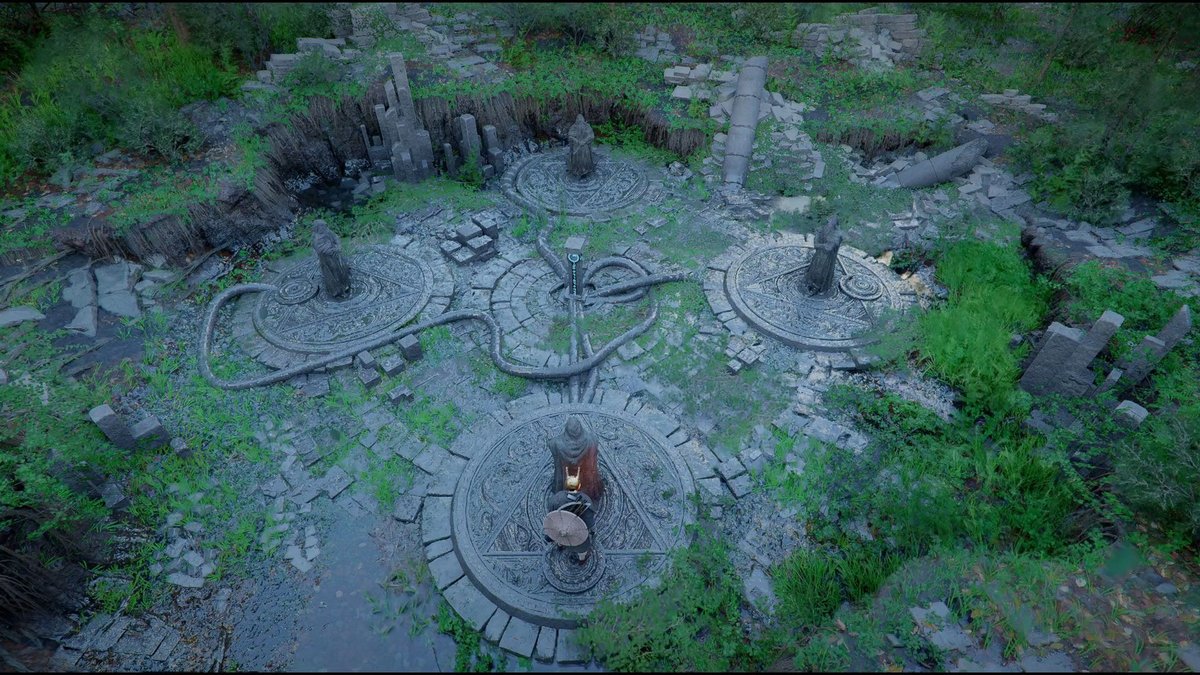
Crimson Desert Dragon's Chamber Guide — Puzzle Solution & Walkthrough
Complete walkthrough for the Dragon's Stone Chamber puzzle in Crimson Desert. Learn how to find the hidden entrance near Howling Hill, solve the three-dial puzzle, and claim the Abyss Artifact reward.

Crimson Desert Wanted System Explained
The wanted system in Crimson Desert is about your own crimes, fines, guards, and prison time. Here is how it escalates, how to clear it, and how it differs from bounty hunting.