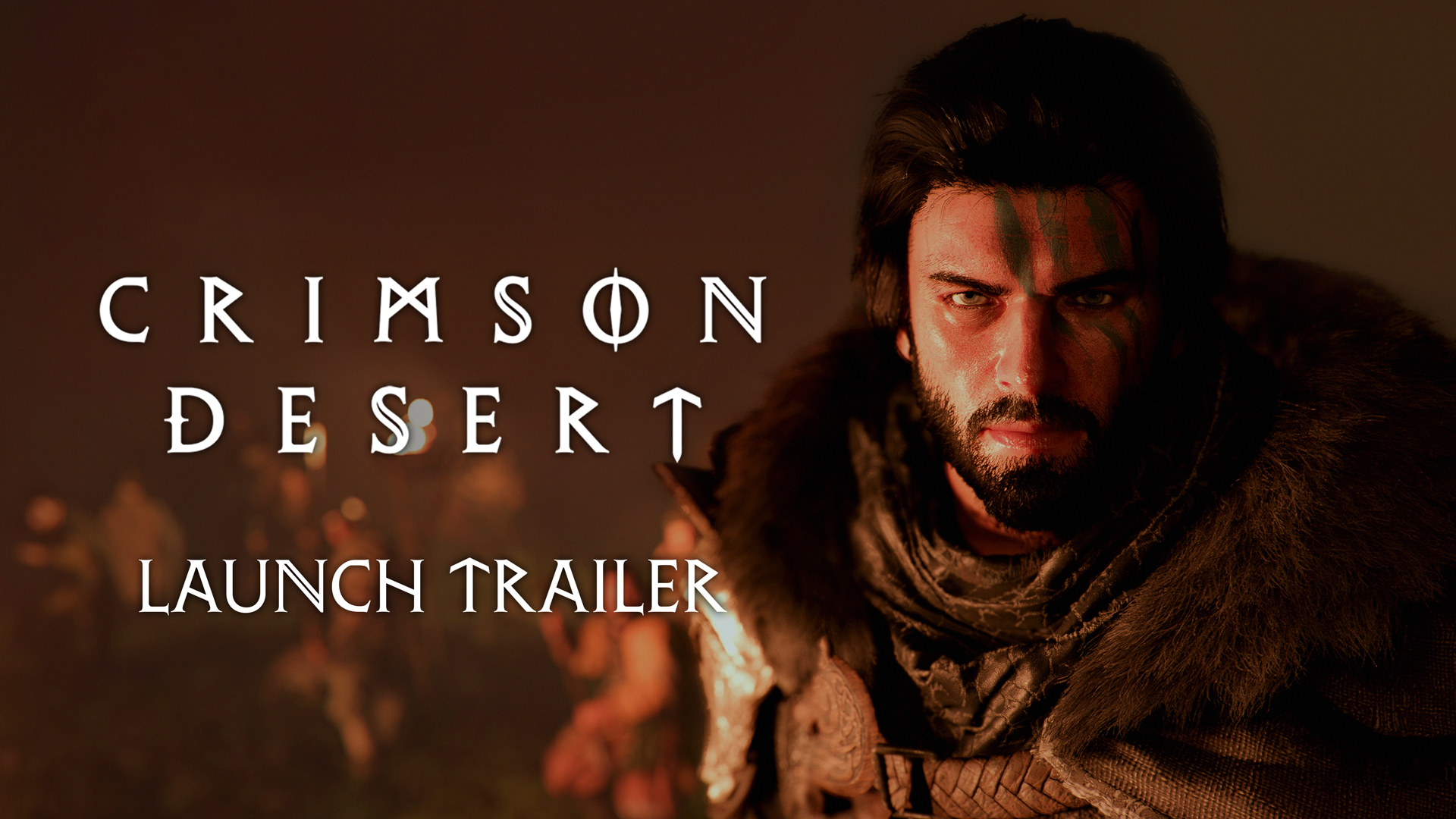
Best PC Settings for Crimson Desert After Patch 1.00.03
The best PC settings for Crimson Desert after patch 1.00.03 start with official guardrails, not random presets. Here are the supported upscalers, driver targets, image-stability warnings, and three practical profiles to start from.
The best Crimson Desert PC settings after patch 1.00.03 are not about chasing one magic preset. They start with three official realities:
- Pearl Abyss supports
FSR 3/4,DLSS 4/4.5,FSR Ray Regeneration, andDLSS Ray Reconstructionon PC. - Pearl Abyss recommends current driver baselines for AMD and NVIDIA.
- Pearl Abyss also admits there are still live image-stability edge cases, especially with
FSR 4in rainy scenes and with some capture setups when multi-frame generation is enabled.
So the goal is not to max everything and hope. The goal is to build a stable baseline first, then scale up.
Start with the official guardrails
Before you even touch individual settings, the live FAQ and support pages give you a clean baseline.
Pearl Abyss says Crimson Desert supports:
FSR 3/4andDLSS 4/4.5on PCFSR Ray RegenerationandDLSS Ray Reconstructionon PC- frame generation on
PCandMaconly
It also recommends:
AMD 25.9.2or newerNVIDIA 581.29or newer
Patch 1.00.03 then fixes several PC-side pain points that made settings testing messy at launch:
- settings not saving correctly after reset
- resolution and upscaling settings not sticking after restart
- abnormal screen quality with
FSR Ray RegenerationorDLSS Ray Reconstruction - incorrect monitor-size detection at some resolutions
- misaligned or cut-off display output in fullscreen, borderless, or windowed modes
- dedicated GPU detection problems in mixed iGPU and dGPU systems
That means post-1.00.03 tuning is already more trustworthy than launch-day tuning was.
The official warnings that matter before you optimize
Pearl Abyss also gives two important warnings that should shape your settings choices.
1. Frame generation is not a free win
The FAQ says DLSS MFG can be enabled even at low base rendering FPS, but if your base FPS is too low, image stability and input responsiveness can suffer. In other words, frame generation works best when you already have a decent real framerate underneath it.
That means you should not use multi-frame generation to rescue a fundamentally heavy preset that already feels sluggish.
2. Some capture setups can look worse, not better
Pearl Abyss says capture quality can look unstable if you are using Windows duplicate display while DLSS MFG x3/x4 is enabled. It also recommends disabling V-Sync and G-Sync-related settings when using multi-frame generation.
If you stream, record footage, or mirror gameplay to another display, that warning matters as much as any FPS gain.
3. FSR 4 still has a live weather issue
The official known-issues page still lists a bug where FSR 4 can cause rain to disappear or the image to become blurry or distorted in rainy environments.
So if your image looks wrong in wet weather, do not immediately assume your monitor is the problem. It may be the current FSR 4 issue.
The setup steps Pearl Abyss wants you to do first
Before adjusting individual graphics options, use the official support sequence:
- Update to the latest patch.
- Update GPU drivers.
- Verify files if you have crashes, broken visuals, or launch failures.
- Close or test without antivirus exceptions, VPNs, overlays, firewalls, and recording or broadcasting tools that may interfere.
This is boring advice, but it matters because Crimson Desert's roughest PC issues at launch were a mix of settings bugs, driver-state problems, and platform interference.
Three practical PC setting profiles
These are not official presets from Pearl Abyss. They are practical starting profiles built around the game's official feature support, current issue list, and the way post-1.00.03 behavior is documented.
Quality-first profile
Use this if visual clarity matters more than raw frame rate and your GPU already handles the game well.
Start with:
- native rendering or
DLSS/FSR Quality - frame generation off at first
- ray reconstruction or ray regeneration only after you confirm image stability
- stable fullscreen or borderless mode after retesting post-patch
Why this profile works:
- Patch
1.00.03specifically targeted bad image behavior with ray reconstruction and ray regeneration. - Tech coverage around Crimson Desert's PC build consistently notes that the game already looks strong without leaning on aggressive upscaling.
- Keeping frame generation off initially makes it easier to judge true responsiveness.
This is the safest profile for high-end systems that do not need synthetic frames to feel smooth.
Balanced profile
Use this if you want the cleanest compromise between image quality and frame rate.
Start with:
DLSS/FSR Balanced- frame generation only after you confirm the pre-frame-gen result already feels responsive
- ray features left on only if they do not reintroduce shimmer or instability
- V-Sync behavior tested carefully against your monitor or VRR setup
Why this profile works:
- It gives the upscaler enough room to help without leaning on the most aggressive modes.
- It keeps you away from the worst "fake FPS over bad input" trap.
- It is usually the best fit for players who want smoother traversal, combat, and cities without giving up the game's strong lighting completely.
If you record gameplay, this is also a safer place to start than DLSS MFG x3/x4.
FPS-first profile
Use this if your priority is controller feel, mouse responsiveness, and smoother combat over pure image quality.
Start with:
DLSS/FSR Balancedfirst, then move lower only if needed- ray reconstruction or ray regeneration off if the image looks unstable
- frame generation on only if the base image is already acceptably clear and responsive
- extra caution with
FSR 4in rainy areas - no duplicate-display capture when testing
DLSS MFG
Why this profile works:
- The official FAQ makes clear that frame generation can hurt feel when the real framerate underneath it is too low.
- The known-issues page makes clear that
FSR 4still has an active weather-related image problem. - Patch
1.00.03already fixes a lot of settings retention and fullscreen problems, so the remaining wins usually come from cutting image instability rather than piling on every advanced feature.
This is the profile for players who would rather lose a bit of sharpness than miss parries, dodges, or camera reads.
DLSS 4 vs FSR 4 after patch 1.00.03
The official FAQ confirms support for both, but the best choice right now depends on your priorities.
DLSS 4/4.5 currently has the cleaner official support story because the live known-issues page does not call out a specific DLSS weather bug. Pearl Abyss also directly discusses DLSS MFG capture behavior in the FAQ, which suggests the team expects players to use it actively.
FSR 4 is still viable, but it comes with the current rain-related known issue. If you are happy with your performance outside rainy scenes, it may still be worth using. If weather-heavy areas look wrong, switch before you spend an hour chasing phantom fixes.
What to do with ray reconstruction and ray regeneration
Patch 1.00.03 is good news here because Pearl Abyss explicitly fixed abnormal screen quality tied to both FSR Ray Regeneration and DLSS Ray Reconstruction.
Still, the safe order is:
- Get the game stable at your target resolution and upscaler setting.
- Confirm your display mode is behaving properly.
- Then test the ray-image option you want.
Do not enable reconstruction or regeneration at the same time you are also testing frame generation, V-Sync changes, capture behavior, and rainy-scene stability. Too many moving parts make it hard to see which setting is actually causing the problem.
Capture and streaming advice that is actually official
Most "best settings" guides skip this, but the Crimson Desert FAQ does not.
If you stream or capture:
- avoid
Windows duplicate displaywithDLSS MFG x3/x4if image quality starts wobbling - use a strong real rendering baseline before turning on multi-frame generation
- disable V-Sync and similar sync layers when using multi-frame generation, as Pearl Abyss recommends
This is one of the clearest examples where official advice is better than generic PC folklore.
When a settings problem is really a support problem
A lot of post-launch complaints are not really "wrong preset" complaints.
Use the official support path if you see:
- the game not recognizing the correct GPU
- settings refusing to save
- the screen being cut off or misaligned
- severe crashes on startup
- broken visuals after a restart
Those are the kinds of issues 1.00.03 and the support page specifically talk about. They are bigger than a simple shadow or texture tweak.
The best post-1.00.03 approach in one sentence
Get stable first, then get fancy.
Crimson Desert now officially supports a wide stack of PC rendering tech, but Pearl Abyss' own notices make it clear that driver state, capture setup, sync behavior, and live edge-case bugs still matter. A clean Quality, Balanced, or FPS-first starting point will get you better results than blindly turning on every modern acronym at once.
FAQ
What drivers does Pearl Abyss recommend for Crimson Desert on PC?
The live FAQ recommends AMD 25.9.2+ and NVIDIA 581.29+.
Does Crimson Desert support frame generation on PC?
Yes. Pearl Abyss says frame generation is supported on PC and Mac, but it also warns that low base FPS can hurt responsiveness and image stability.
Should I use FSR 4 right now?
You can, but the official known-issues page still lists a rainy-scene bug tied to FSR 4, so be ready to change if weather visuals look wrong.
What is the safest starting point after patch 1.00.03?
Try a balanced upscaler mode first, test without frame generation, then add frame generation or ray-image options one at a time.
What to do next
Check your hardware baseline in Crimson Desert System Requirements — PC, PS5 & Xbox, review the fix history in Crimson Desert Patch Notes 1.00.03 Explained, and keep Crimson Desert Known Issues and Best Workarounds open if you are using FSR 4 or troubleshooting launch problems. If you are on Intel graphics, read Crimson Desert Intel Arc Support Status before spending more time tuning.
더 많은 가이드
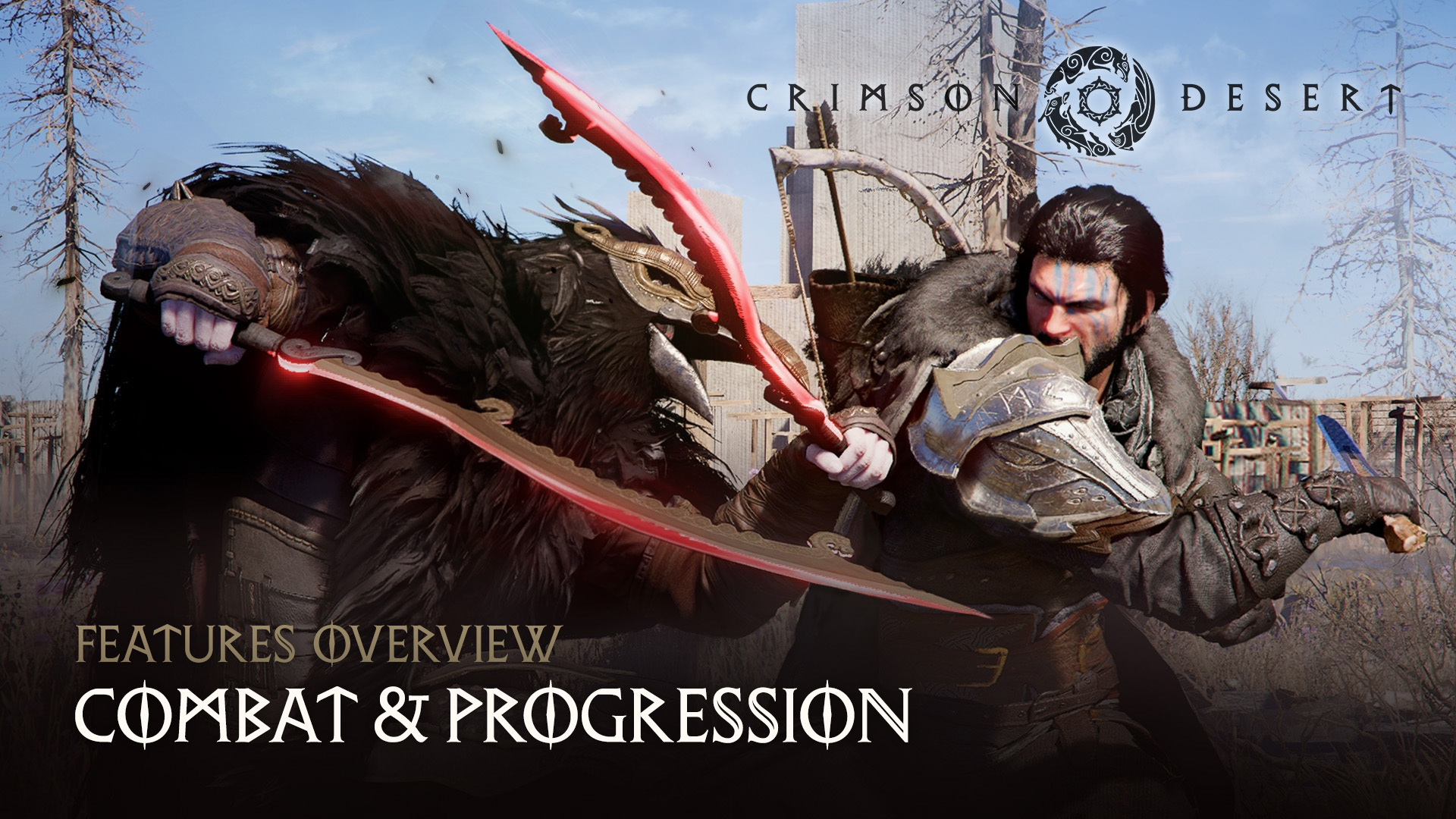
Best Armor Sets in Crimson Desert — Complete Armor Guide
Find the best armor sets in Crimson Desert from early game through endgame. Covers Bolton Plate, Shadow Armor, Canta Plate, hidden Abyss Artifact gear, and strongbox puzzle rewards.

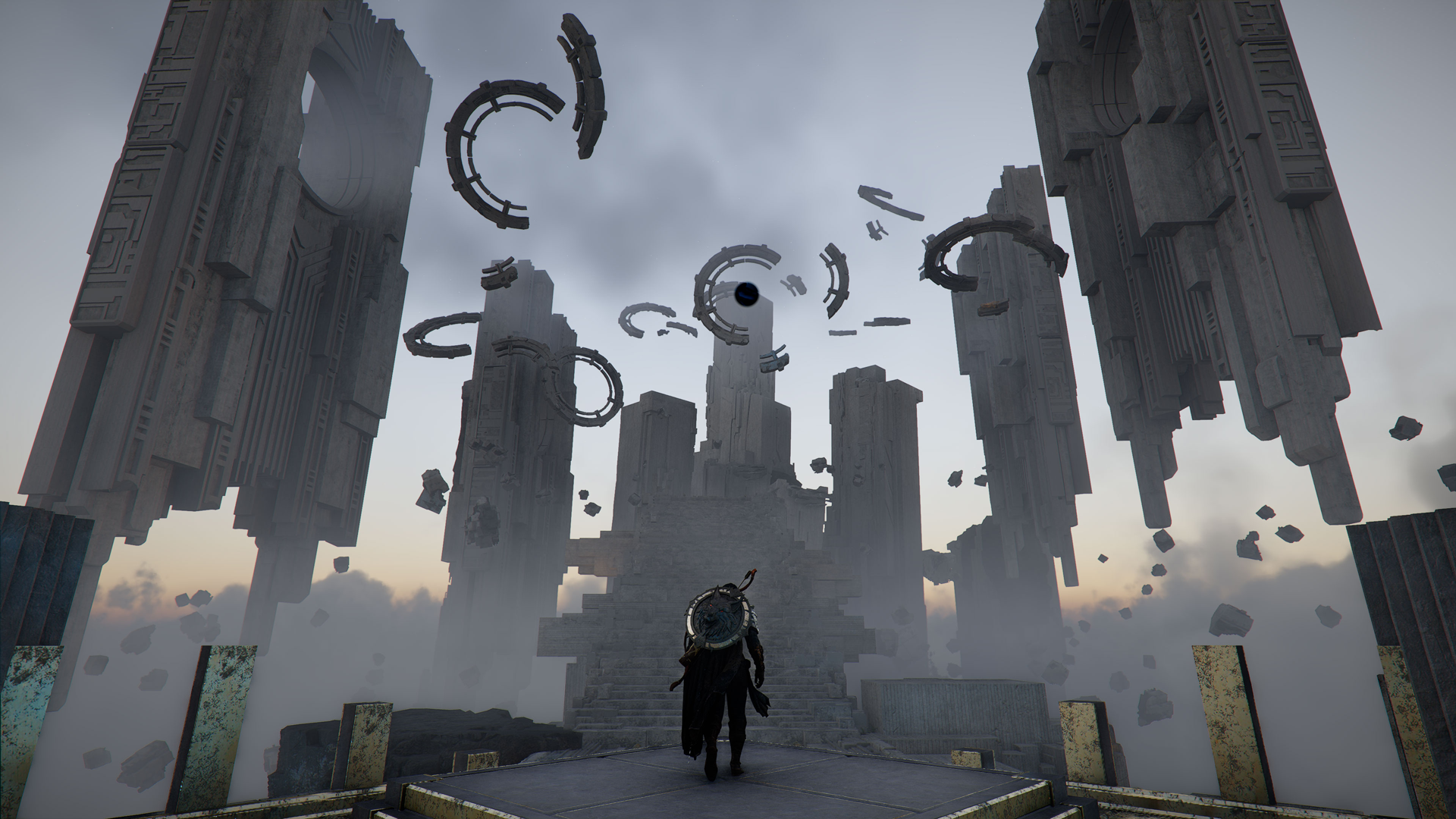
Crimson Desert AI Art Replacement Status After Patch 1.01.00
Patch 1.01.00 is the first official Crimson Desert update to confirm that some 2D visual assets have already been replaced. Here is what Pearl Abyss has actually said.

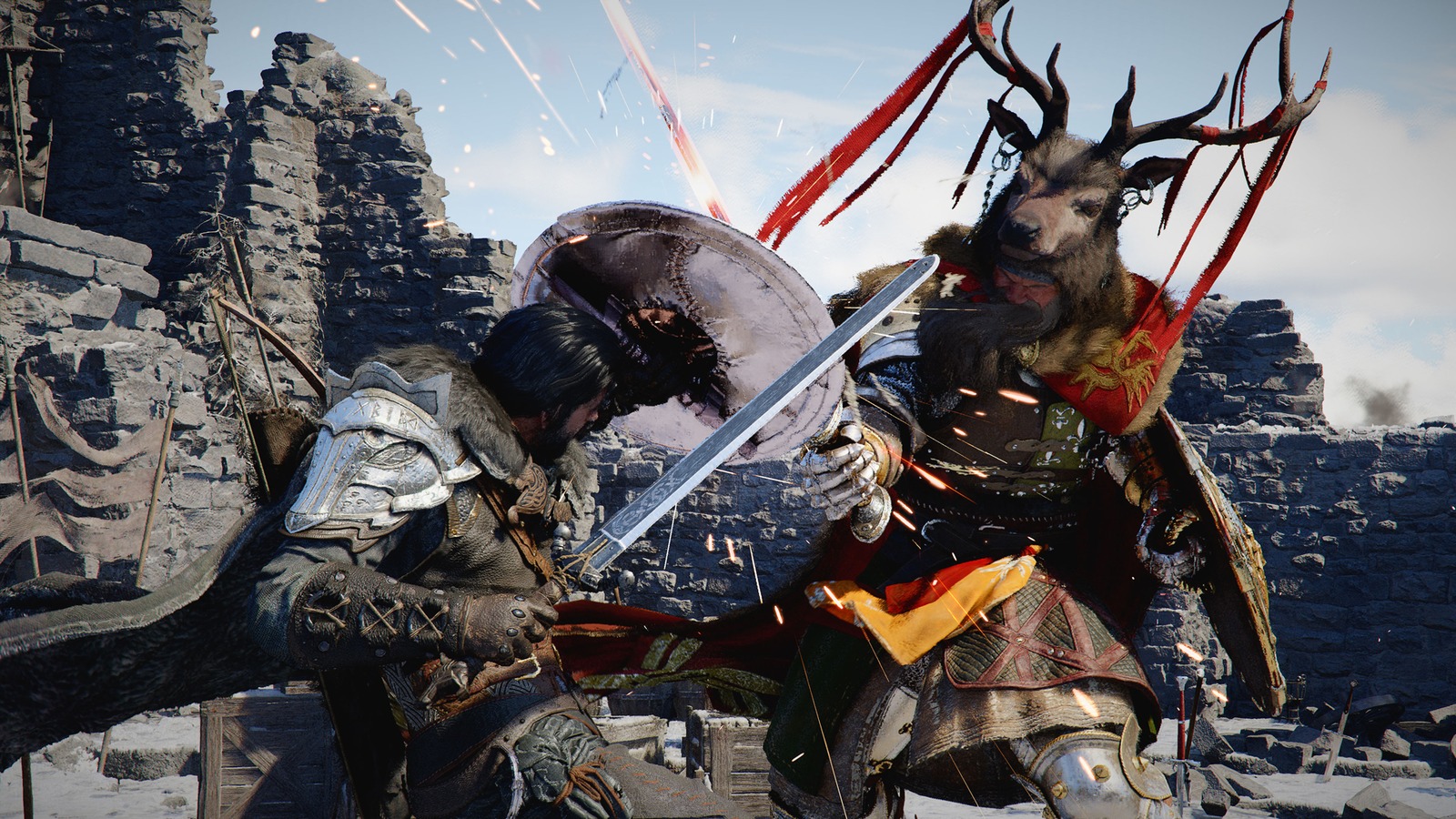
Crimson Desert New Skills for Damiane and Oongka Explained
Pearl Abyss says Damiane and Oongka will receive new skills comparable to Force Palm and Axiom Force. Here is what that likely means for character play.
Newsletter
Join the community
Subscribe to our newsletter for the latest news and updates