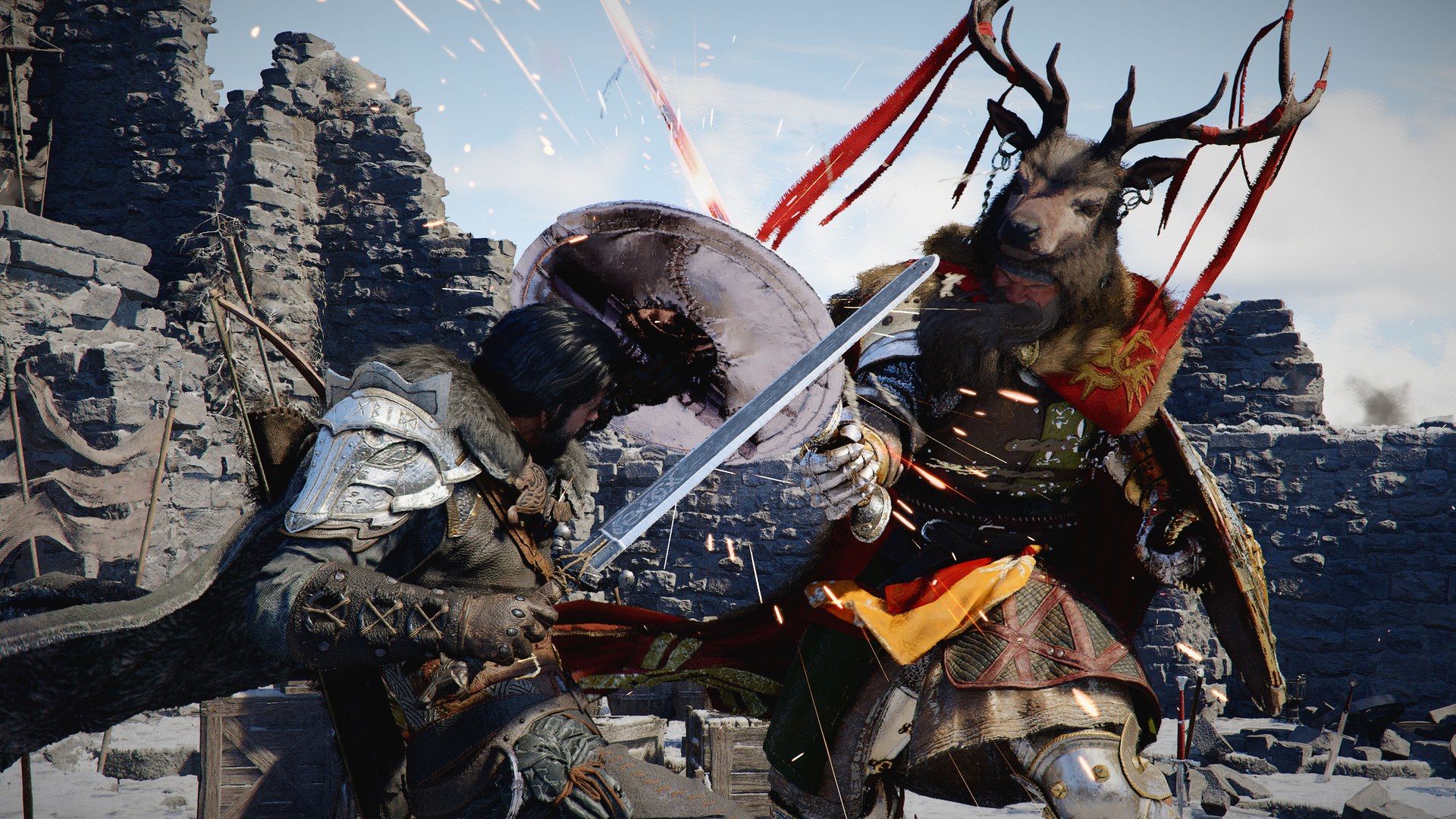
How to Fix Unstable Capture Quality and Input Lag When Streaming Crimson Desert
Pearl Abyss already explains why Crimson Desert capture can look unstable on PC. Here is the official fix order for duplicate display, DLSS MFG, and sync settings.
If Crimson Desert looks fine on your own screen but your stream or recording turns unstable, Pearl Abyss already has an official explanation for one of the biggest causes. In the FAQ, the studio says capture quality may look reduced when you use Windows duplicate display while DLSS MFG (Multi Frame Generation x3/x4) is enabled.
That is the core answer as of March 28, 2026. The second half of the problem is feel: Pearl Abyss also says that if your base rendering FPS is too low, multi-frame generation can hurt both input responsiveness and image stability. So the fix is not "turn on more AI frames." The fix is to stop building a stream setup on top of a weak real framerate.
The two official causes you should care about first
Pearl Abyss' FAQ points to two specific problems:
Windows duplicate displaycan reduce capture quality whenDLSS MFG x3/x4is active- low
base FPScan make input feel worse and the image less stable even if frame generation is enabled
That means you should troubleshoot your Crimson Desert capture rig in this order:
- how you are mirroring or capturing the game
- the real framerate underneath frame generation
- the sync settings layered on top
Why duplicate display causes trouble
This is the cleanest official troubleshooting point because Pearl Abyss names it directly.
If you are duplicating your display in Windows while also using aggressive multi-frame generation, the captured output may become the unstable part of the chain even when local gameplay looks acceptable.
That is why so many "but it looks fine on my monitor" complaints happen. The problem can live in the mirrored-capture path rather than the local render.
Why low base FPS feels bad even when the counter is high
Pearl Abyss' wording here is unusually useful. The studio says DLSS MFG can be enabled even at low base rendering framerate, but if the base framerate is too low:
- input responsiveness can suffer
- image stability can suffer
So a high displayed framerate does not automatically mean the game will feel good to play or clean to record.
This is the real trap with Crimson Desert streaming on PC:
- you see a bigger number
- but the controls feel softer
- and the stream image can wobble or smear
That is not a mystery if the real base render was already struggling.
The best official fix order
1. Stop using duplicate display while testing
If your stream or capture path relies on Windows duplicate display, make that the first variable you change. Pearl Abyss identifies that setup specifically as a risk when DLSS MFG x3/x4 is in play.
Do not keep duplicate display active while simultaneously changing ten graphics settings and then wonder why nothing is conclusive.
2. Test the game at a strong real baseline first
Before using any multi-frame generation, get Crimson Desert running at a stable real framerate that already feels responsive.
That means:
- stable resolution
- sensible upscaler choice
- no dependence on synthetic frames just to make the game barely playable
If you need a graphics baseline first, use Best PC Settings for Crimson Desert After Patch 1.00.03.
3. Only then test frame generation
Once the real base render feels good, add frame generation and test whether your:
- local input
- capture quality
- recorded output
all stay stable.
If they do not, you now know the problem is related to the extra frame layer, not the whole PC build.
4. Disable sync layers when using multi-frame generation
Pearl Abyss also recommends disabling vertical-sync-related settings such as:
V-SyncG-Sync-related settings
when using Multi Frame Generation.
That recommendation matters because many players stack sync systems on top of frame generation and then try to debug input feel afterward. The official advice says strip that back first.
A simple practical setup for streamers
If your goal is stable gameplay plus usable capture, the safest starting profile is:
- clean post-
1.00.03graphics setup - no
Windows duplicate displayduring testing - strong real base framerate
- frame generation added later, not first
V-Syncand similar sync layers disabled when multi-frame generation is active
This is more conservative than some "max everything" guides, but it follows the actual official warnings.
What if you only record, not stream?
The same logic still applies.
Even if you are not live:
- unstable capture quality is still a capture-path problem
- low base FPS can still make inputs feel worse
- stacked sync settings can still complicate frame generation behavior
So this is not just a streamer problem. It is a recording and capture workflow problem too.
How this differs from a general PC settings article
A normal PC settings article asks:
- which upscaler should I use?
- what preset is best?
- how aggressive should frame generation be?
This article asks a more specific question:
- why does my captured gameplay look or feel worse than expected?
That is why the answer leans so hard on duplicate display, base FPS, and sync settings.
When to stop blaming OBS or your capture app
If your setup matches Pearl Abyss' exact warning case, the game-side explanation is already strong enough:
- duplicate display
- aggressive multi-frame generation
- low real framerate
That does not prove your capture app is perfect. It does mean you should fix the officially documented risk factors before blaming every other tool in the chain.
FAQ
Why does my Crimson Desert stream look unstable even though the game looks fine locally?
Pearl Abyss says capture quality may appear reduced when using Windows duplicate display together with DLSS MFG x3/x4.
Does frame generation always improve streaming?
No. Pearl Abyss says low base rendering FPS can hurt both image stability and input responsiveness even when frame generation is enabled.
Should I use V-Sync with Multi Frame Generation?
Pearl Abyss recommends disabling vertical-sync-related settings such as V-Sync and G-Sync-related options when using Multi Frame Generation.
What should I fix first?
Stop using duplicate display during testing, build a strong real FPS baseline, and only then test frame generation again.
What to do next
Fix the capture chain first, then return to graphics optimization. Best PC Settings for Crimson Desert After Patch 1.00.03 helps you build the base render, How to Fix Blurry Fullscreen and Wrong Resolution in Crimson Desert on PC covers the display side, and Crimson Desert Patch Notes 1.00.03 Explained gives the broader post-launch context for PC fixes.
더 많은 가이드
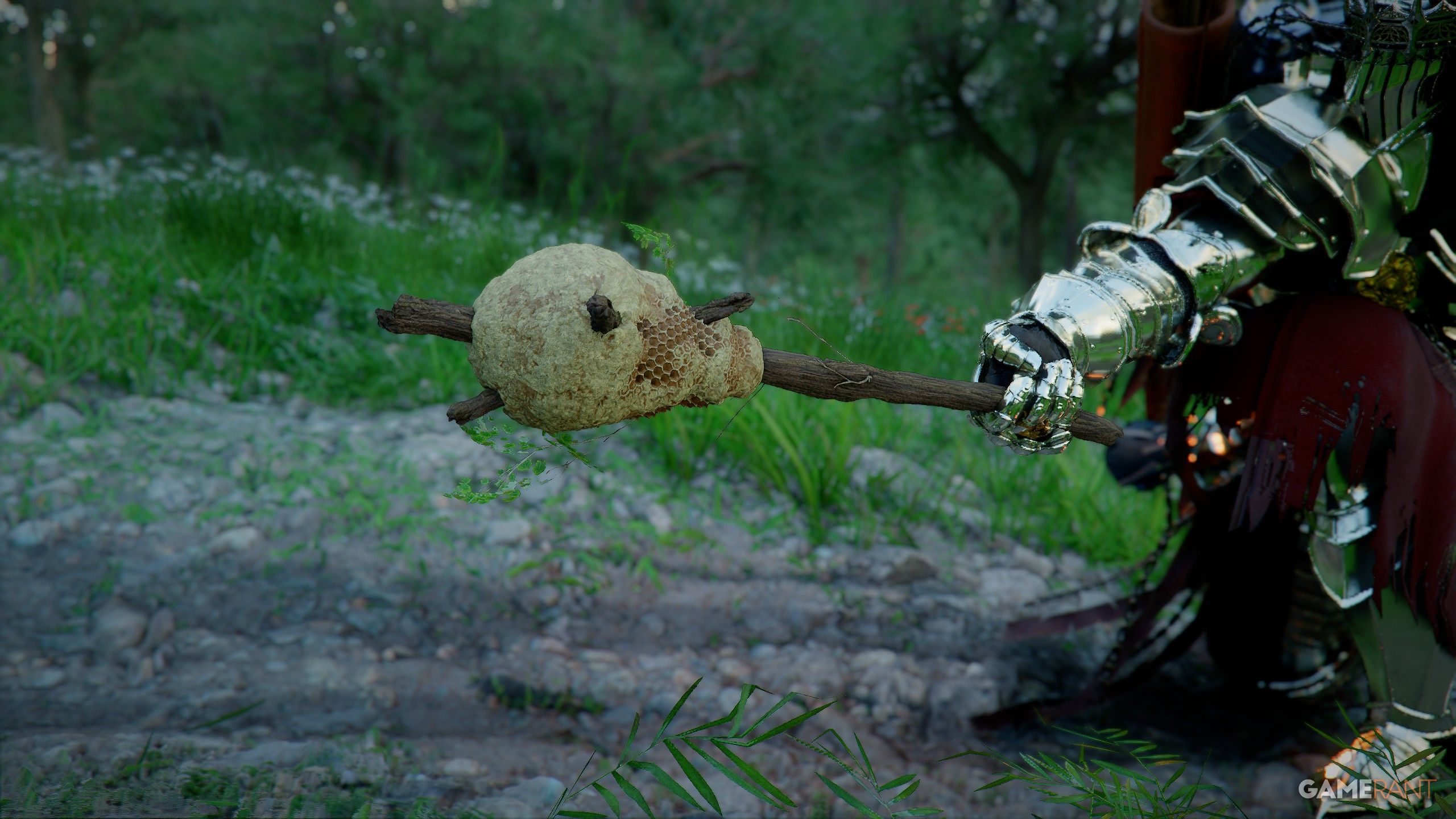
How to Get the Beehive Club in Crimson Desert
The Beehive Club is one of Crimson Desert's strangest early weapons. Here is where players are finding it, how the drop works, and what makes it useful.

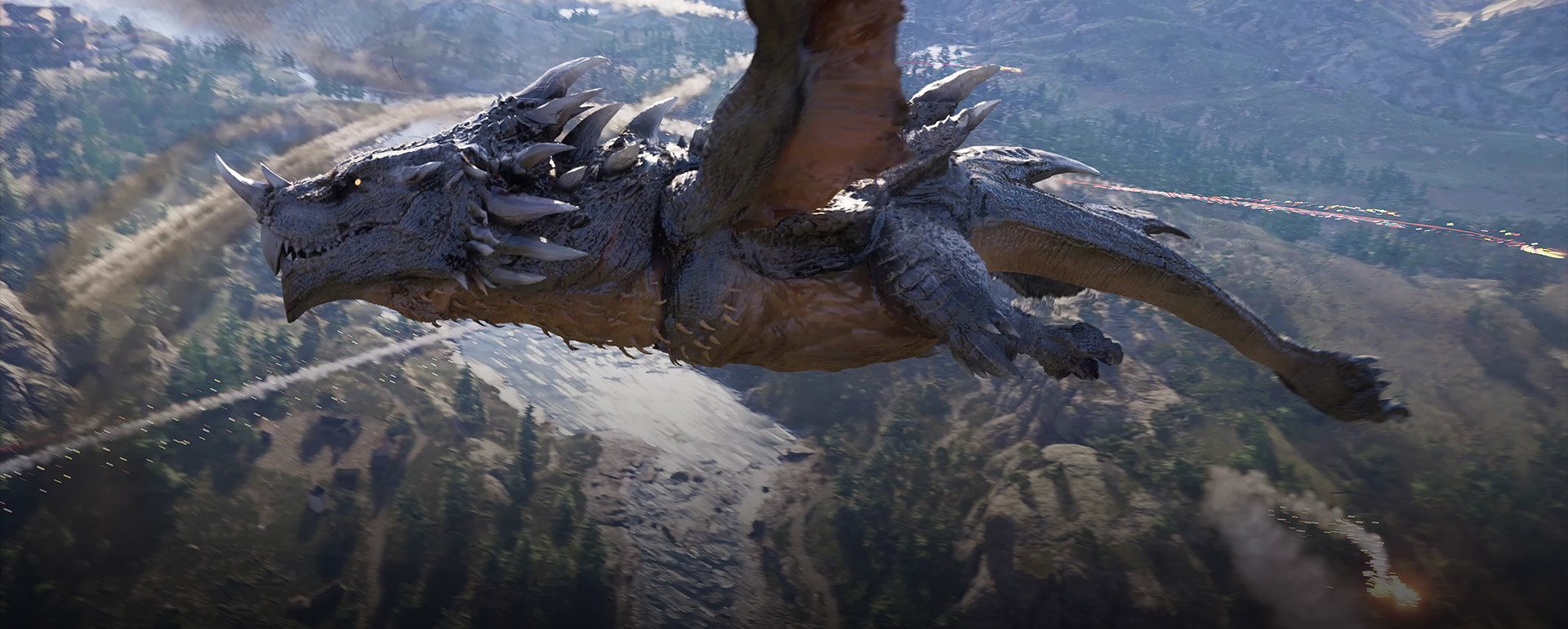
How to Beat Storm Crusher in Crimson Desert
Boss strategy for Storm Crusher at the Aeronautical Research Base, covering rocket reflects, exposed weak points, and safe damage windows.

Crimson Desert Pets Guide — How to Get & Use Pets
Complete guide to the pet system in Crimson Desert. Learn how to build trust with stray dogs and cats, adopt them as pets, and use dogs to automatically collect battlefield loot.

Newsletter
Join the community
Subscribe to our newsletter for the latest news and updates