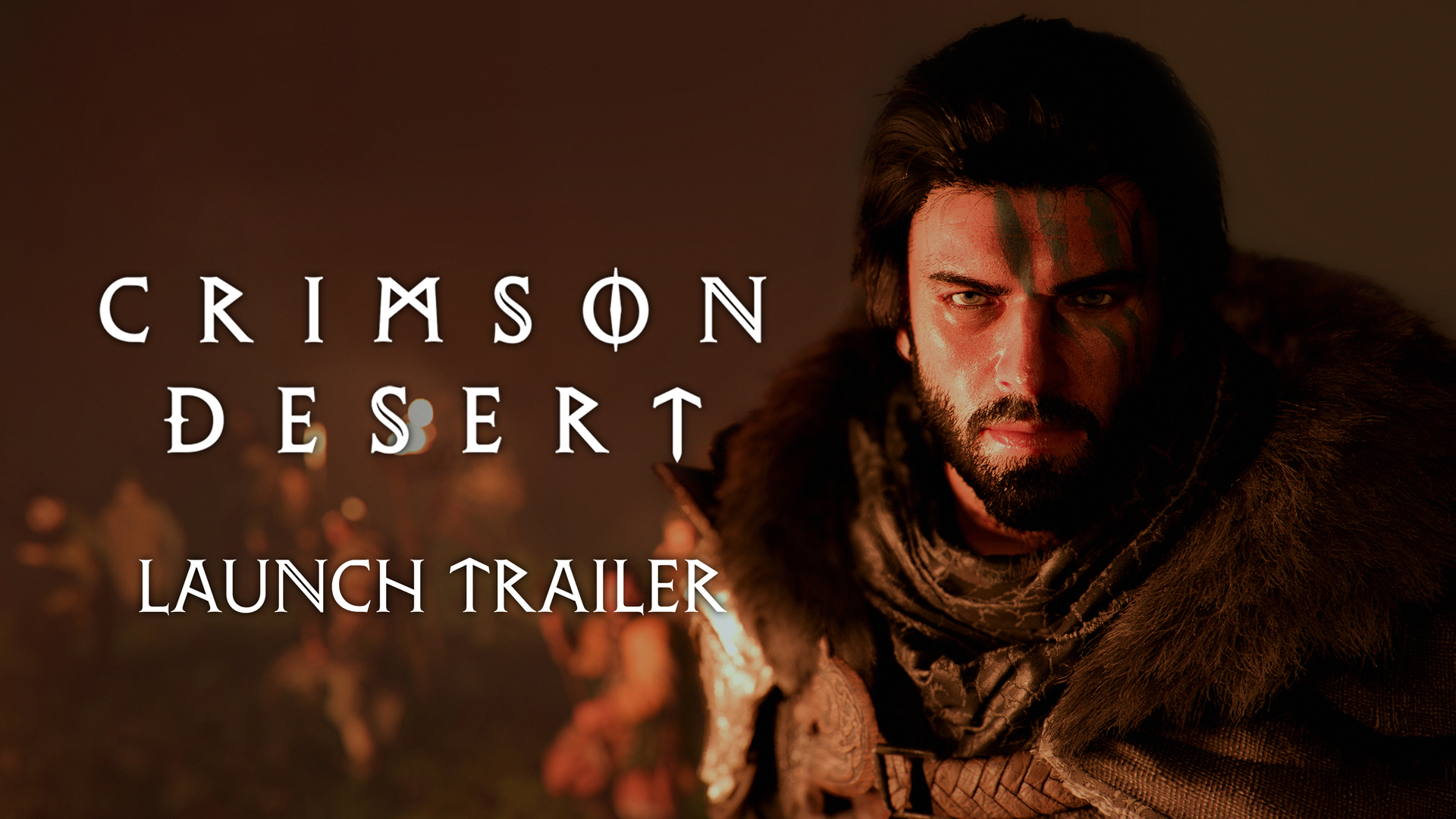
Should You Return to Crimson Desert After the April Updates?
Crimson Desert has changed quickly since launch. If you dropped the game early, here is what April's patches improved, what is still rough, and how to test the current version properly.
If you bounced off Crimson Desert early, you are not imagining things: the game has changed quickly in April.
That does not mean every complaint is solved. But it does mean the reasons to return are much stronger now than they were at launch, especially if your biggest problems were friction-related rather than fundamental.
Quick answer
You should consider returning after the April updates if your main frustrations were:
- awkward controls
- inventory and storage pressure
- overly rigid fast travel and menu flow
- lack of comfort settings
- early rough edges in platform support
You should be more cautious about returning immediately if your main issue was active bug frustration on a specific GPU, controller setup, or handheld device, because the official Known Issues list still matters.
What improved the most in April
The best way to judge the game now is by category, not by a single patch headline.
1. Daily comfort is better
Patch 1.03.00 added Weapon Display, Fast Forward Speed up to 4x, a Minimum Font Size option, and more flexible use of Abyss Nexus teleportation while mounted, falling, swimming, or climbing.
Those are not flashy trailer features, but they make long sessions feel less stubborn.
2. Storage is on a much better path
Private Storage already improved earlier in April, and Pearl Abyss has since previewed specialized storage for food, wardrobe items, gatherables, and collections. The next update direction also points to inventory category tabs.
If you quit because every play session ended in bag cleanup, this is the strongest reason to watch the game again.
3. Controls are moving in the right direction
Pearl Abyss has kept adjusting control feel, and the roadmap now points to broader keyboard/mouse and controller preset support. That matters because control friction is one of the easiest reasons to abandon an action-heavy RPG before the good systems click.
4. Graphics support is broader
April brought:
- Intel Arc support and XeSS 3 options on PC
- Enhanced Raytracing on base PS5 and Xbox Series X
- broader lighting and reflection improvements
- more visual tuning options
This is not the same thing as "all graphics issues are gone," but the platform support story is much better than it was at launch.
Why now feels different from launch week
The clearest difference is that Pearl Abyss is no longer only reacting to launch fires. The studio is also pushing comfort upgrades and long-session usability fixes.
That shift matters. Once a live-support game starts improving:
- inventory flow
- display options
- fast-travel flexibility
- control customization
- difficulty settings
it becomes easier for lapsed players to imagine living with the game, not just sampling it again for an hour.
That broader confidence also shows up in the game's momentum. Windows Central highlighted the 5 million sales milestone and the continued patch cadence, which supports the idea that the player base is not only launch-week curiosity traffic.
Reasons you may still want to wait
Do not come back blindly if you left because of a hardware-specific or setup-specific issue. The official Known Issues notice still lists active problems involving:
- AMD crashes in certain conditions
- Intel Arc rendering and crash edge cases
Steam Inputquirks on some controller setups- handheld driver issues
- quest-tracking and progression oddities
If those exact problems burned you before, read the latest known-issues notice first and decide from there.
Best way to test the current version
If you do return, do not judge the game from five minutes in a town hub. Run a structured test:
- update fully to the latest patch
- read the current known-issues notice
- reset or review your controls
- test one travel route
- test one boss or repeatable combat challenge
- do one inventory cleanup and one crafting or cooking pass
- decide after a full session
This matters because many April improvements are about the total feel of a session, not a single headline feature.
So, should you return?
For a lot of players, yes.
If you liked the world, combat idea, or exploration loop but hated the friction, the April patch cycle is exactly the kind of update window that can change your opinion. If you hated the game's core identity, story style, or overall structure, patches may not change much for you.
That is the honest split.
Conclusion
Crimson Desert is in a much better place for returning players than it was earlier in April. The game still has rough edges, but the direction of support is clearer now: less friction, better organization, more control options, and stronger platform support.
If that was the part keeping you away, this is the right moment to re-evaluate.
What to read next
- Crimson Desert Patch 1.03.00 Explained
- Crimson Desert Patch 1.03.01 Hotfix Explained
- Crimson Desert Known Issues April 14, 2026 Workarounds
- How Private Storage Works in Crimson Desert After 1.02.00
- Crimson Desert Controller Input Customization and Keybind Changes Explained
Sources used
- Pearl Abyss, Dev Update: https://crimsondesert.pearlabyss.com/en-US/News/Notice/Detail?_boardNo=82
- Pearl Abyss, Patch Notes Version 1.03.00: https://crimsondesert.pearlabyss.com/en-US/News/Notice/Detail?_boardNo=81
- Pearl Abyss, Patch Notes Version 1.03.01: https://crimsondesert.pearlabyss.com/en-US/News/Notice/Detail?_boardNo=83
- Pearl Abyss, Known Issues: https://crimsondesert.pearlabyss.com/en-US/News/Notice/Detail?_boardNo=68
- PC Gamer, "This week's Crimson Desert update is the one I'm looking forward to the most": https://www.pcgamer.com/games/rpg/this-weeks-crimson-desert-update-is-the-one-im-looking-forward-to-the-most/
- Windows Central, "Crimson Desert shows no signs of slowing down, topping over 5 million sales within a month": https://www.windowscentral.com/gaming/crimson-desert-topping-over-5-million-sales-within-a-month
더 많은 가이드
Crimson Desert Known Issues Checklist for April 22, 2026
Before you reinstall or start changing settings, use this Crimson Desert known-issues checklist for April 22, 2026 based on the latest official notice and hotfix cycle.

Crimson Desert Crafting Guide — Refinement & Upgrades
Everything about the Refinement system in Crimson Desert, including upgrade tiers, material requirements, alchemy recipes, and the Abyss Artifact tradeoff.

Crimson Desert Abyss Artifacts Guide — How to Find, Use, and Upgrade Them
Complete guide to Abyss Artifacts in Crimson Desert, including all 6 ways to obtain them, the skill tree system, Abyss Cores, and how Sealed Artifacts work.