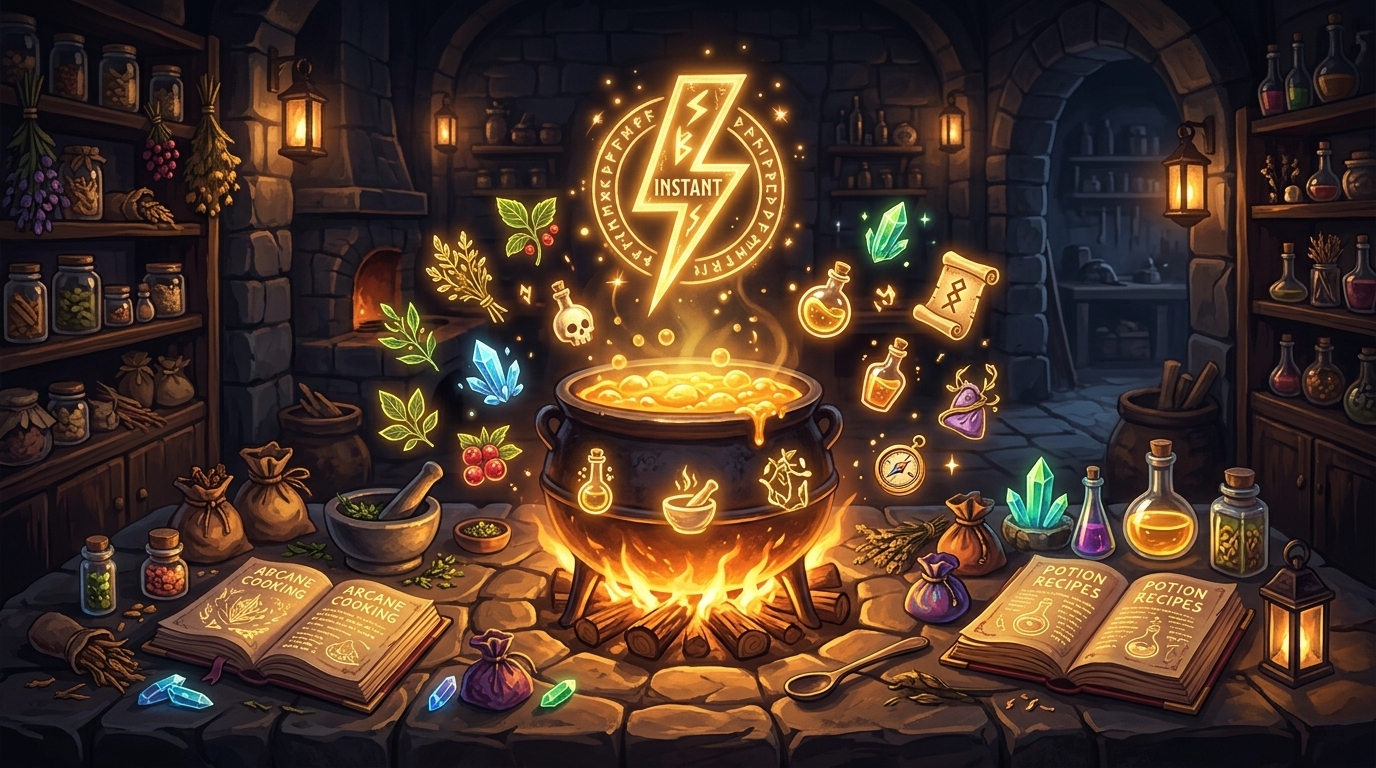
Crimson Desert Make Now Crafting Explained: How Instant Recipes Work After Patch 1.01.00
The 'Make Now' function added in Patch 1.01.00 lets you cook or craft instantly without selecting each ingredient separately. Here is what it does, where to find it, and when to use it.
Make Now is a crafting convenience function added in Patch 1.01.00. It lets you execute a recipe instantly without going through the step of manually selecting each required ingredient from your inventory. If you have the necessary materials available, Make Now selects them automatically and queues the craft or cook immediately.
This is a quality-of-life feature, not a new crafting system. The underlying recipes, material costs, and outputs are the same. What changes is how you initiate a known recipe when you already have the ingredients. For players who cook or craft frequently, it removes a repetitive multi-step confirmation process.
Quick answer
- What it does: Initiates a crafting or cooking recipe immediately, auto-selecting required ingredients without a separate selection step
- Where to find it: Available in the crafting and cooking menus — look for the
Make Nowoption alongside standard recipe list entries - Who benefits most: Players who repeat-craft or repeat-cook the same recipes and want to skip ingredient re-selection each time
- Requirements: You must have the required ingredients in your inventory;
Make Nowdoes not substitute missing materials
What Make Now does
In the standard crafting and cooking workflow, after selecting a recipe, you are shown a list of required ingredients and prompted to confirm each selection from your inventory. For simple or familiar recipes, this step adds friction: you already know what you need, you have it, and you just want to make the thing.
Make Now skips that confirmation step. When you select Make Now on a recipe, the system automatically locates the required ingredients in your inventory, pulls them into the crafting queue, and starts the craft or cook without requiring you to manually drag or select each component.
The result is the same item you would have crafted through the normal flow. The difference is purely procedural — it removes the manual ingredient assignment step.
Where to find the Make Now option in menus
Make Now appears in the recipe list within the crafting and cooking interfaces. When you open the crafting station or cooking interface, each eligible recipe should display both a standard crafting option and the Make Now option if you have the ingredients available.
If you do not see Make Now as an option for a specific recipe:
- Check whether you have all required materials in your inventory (not in storage — on your character)
- Confirm you have
Patch 1.01.00or1.01.01installed (title screen version display) - Verify the recipe is at a compatible crafting station (not all recipes may support
Make Nowin all contexts — check the recipe information)
When to use Make Now vs the normal recipe flow
Use Make Now when:
- You are repeat-crafting a known recipe and just want to execute it quickly
- You are cooking in bulk and do not want to re-select ingredients each round
- You have exactly the materials for one craft and want to skip confirmation
Use the normal flow when:
- You are crafting a recipe for the first time and want to review ingredient costs carefully
- You have multiple ingredient options for a recipe slot and want to choose specifically which item is used
- You are experimenting with recipes and want control over what goes in
- You are near the minimum required materials and want to confirm before committing
The normal flow gives you explicit control over ingredient selection. Make Now trades that control for speed. For experienced players running known recipes, this is almost always the right trade. For players learning a new recipe or managing tight inventory, the manual flow is safer.
Cooking vs crafting — does it work the same for both?
Yes. Make Now applies to both the cooking system and the crafting system in Crimson Desert. The official Patch 1.01.00 notes describe it as available for "cooking/crafting" without restriction by system.
The cooking interface and the crafting interface in Crimson Desert operate through the same core recipe mechanic, so Make Now integrates consistently in both contexts. You do not need to learn separate shortcuts for cooking versus general crafting.
Limitations and caveats
Make Nowcannot substitute missing ingredients. If you are one component short, the option will be unavailable or will fail. Gather all required materials first.- Auto-selection uses whatever matching items are at the top of your inventory. If you have multiple quality levels of an ingredient and care which quality is used, the normal crafting flow gives you control over that selection.
Make Nowwill select based on inventory order. - It does not apply to station-side material storage. Materials need to be in your active inventory for
Make Nowto detect and use them. Materials in storage containers or the bank are not accessible toMake Now.
FAQ
Does Make Now affect recipe output quality?
No. The output of a craft or cook is determined by the recipe, the ingredients, and any crafting skill factors — not by whether you used Make Now or the standard flow. The result is identical.
Can I queue multiple Make Now crafts in a row?
Batch queuing behavior depends on the crafting station. Check the crafting interface after initiating a Make Now craft for a queue input option. Some stations allow batch crafts; others require per-craft confirmation.
Does Make Now work with cooking recipes that have optional ingredient slots?
For recipes with optional ingredients, Make Now may default to the base required ingredients without selecting optional enhancers. Use the normal flow if you want to specifically include optional ingredients.
Was Make Now available before Patch 1.01.00?
No. Make Now was introduced in Patch 1.01.00. It was not available at launch.
What to read next
더 많은 가이드
How to Get Darkbringer in Crimson Desert
Darkbringer is a strong early-to-midgame two-handed sword with a detachable Abyss Gear effect. Here is its location, what makes it good, and why it is worth a detour into Pailune.

Crimson Desert New Skills for Damiane and Oongka Explained
Pearl Abyss says Damiane and Oongka will receive new skills comparable to Force Palm and Axiom Force. Here is what that likely means for character play.
Crimson Desert GeForce NOW Support Explained
Crimson Desert officially supports GeForce NOW. Here is what Pearl Abyss and NVIDIA have confirmed, what storefront path is explicit, and what cloud play does not change.
Newsletter
Join the community
Subscribe to our newsletter for the latest news and updates