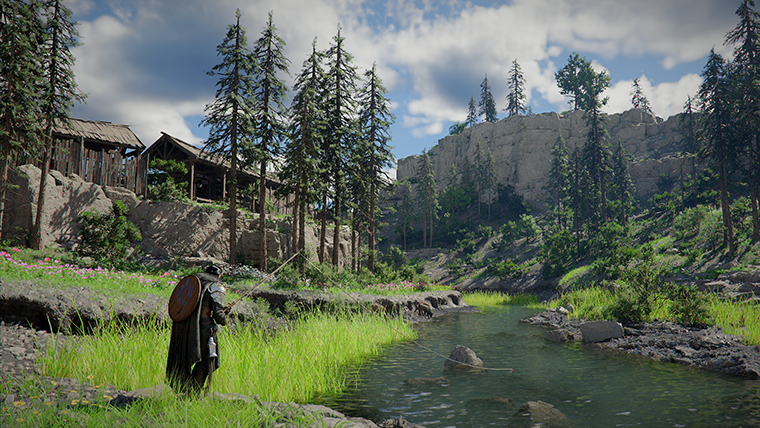
Crimson Desert Intel Arc and XeSS 3 Support After Patch 1.03.00
Patch 1.03.00 adds official Intel Arc GPU support, XeSS 3.0, and XeSS Frame Generation, but Intel users should still watch the known-issues list.
Patch 1.03.00 changes the Intel Arc situation in Crimson Desert. Pearl Abyss now lists official Intel Arc GPU support on PC and adds Intel XeSS 3.0 plus Intel XeSS Frame Generation settings.
That is good news, but it is not the same thing as saying every Intel Arc setup is now trouble-free. The known-issues list still includes multiple Intel-specific warnings, so Arc users should treat this as a support milestone, not a final all-clear.
Quick answer
After patch 1.03.00, Crimson Desert adds:
- official Intel Arc GPU support on PC
Intel XeSS 3.0underSettings > Video > Upscale ModeIntel XeSS Frame GenerationunderSettings > Video
However, Pearl Abyss also warns that Intel Arc A-series GPUs may display the screen incorrectly when using XeSS 3.0 or XeSS Frame Generation. The known-issues notice separately lists Intel Arc A770 crashes when using XeSS, Intel Arc A750 crashes when entering Hernand city, and a recommended Intel driver version for a rendering issue.
Why this update matters
Intel Arc support was one of the most visible PC-platform questions around Crimson Desert. Patch 1.03.00 does not just add a compatibility note. It also adds Intel's upscaling and frame-generation options to the in-game video menu.
That matters because PC players usually want three things from a demanding open-world game:
- basic launch compatibility
- stable rendering
- enough performance tools to tune the game for their hardware
Patch 1.03.00 moves Intel Arc closer to that target, but the remaining known issues show that the work is still ongoing.
Where to find the new settings
Open the video settings after updating to patch 1.03.00 or later.
For upscaling:
- open
Settings - go to
Video - find
Upscale Mode - look for
Intel XeSS 3.0
For frame generation:
- open
Settings - go to
Video - look for
Intel XeSS Frame Generation
If you do not see these options, confirm that the game has updated, restart the client, and check whether your GPU and driver environment support the listed feature.
Best first setup for Intel Arc users
Start conservative. Do not enable every new option at once.
A safer test path is:
- update the game
- update or adjust your Intel driver based on the latest official known-issues recommendation
- launch with default video settings
- test a quiet outdoor area
- test a dense settlement or city
- enable
XeSS 3.0 - test again
- enable
XeSS Frame Generationonly after the base image is stable
This makes it much easier to identify which setting causes a problem if the screen flickers, distorts, crashes, or displays incorrectly.
Known Intel issues to watch
The official known-issues notice is still important after patch 1.03.00.
At the time of the April 14 update, Pearl Abyss listed several Intel-related issues, including:
- display rendering problems on Intel Arc series GPUs
- a recommended Intel driver version,
32.0.101.8629, for one rendering issue - crashes on Intel Arc A770 GPUs when using XeSS
- incorrect display behavior when
Intel XeSS 3.0orIntel XeSS Frame Generationis enabled on Intel Arc A-series cards - crashes on Intel Arc A750 GPUs when entering Hernand city
That means Arc users should not assume the highest setting is the best setting. Stability comes first.
Should you use XeSS Frame Generation?
Use it only after testing. Frame generation can improve perceived smoothness, but it is not useful if it causes display corruption, crashes, or inconsistent input feel.
If your baseline performance is already unstable, frame generation may make troubleshooting harder. First stabilize resolution, graphics preset, upscaling mode, and city traversal. Then test frame generation as a separate step.
What about non-Intel GPUs?
This article is specifically for Intel Arc users. Patch 1.03.00 also adds AMD Radeon Anti-Lag 2, fixes a DLSS-RR screen-distortion noise issue, and improves several graphics features across platforms. NVIDIA and AMD users should still check the broader patch notes and known issues, especially if using upscaling, frame generation, or ray reconstruction.
FAQ
Does Crimson Desert officially support Intel Arc now?
Yes, patch 1.03.00 adds PC support for Intel Arc GPUs.
Does that mean Intel Arc is fully stable?
Not necessarily. The known-issues list still includes several Intel Arc problems.
Which Intel driver does Pearl Abyss recommend for the listed rendering issue?
The known-issues notice recommends Intel driver version 32.0.101.8629 for one Intel display issue.
Should I turn on XeSS 3.0 immediately?
Test it, but do not assume it should be enabled by default. Start with stable settings, then enable XeSS and frame generation one at a time.
Conclusion
Patch 1.03.00 is a major step forward for Intel Arc users, but it is not the end of Intel troubleshooting in Crimson Desert. Treat Arc support, XeSS 3.0, and XeSS Frame Generation as new tools that need careful testing. If the game is stable with conservative settings, then experiment. If it is not, keep the known-issues notice nearby and prioritize reliability over higher-looking settings.
What to read next
- Crimson Desert Intel Arc Support Status
- Best PC Settings for Crimson Desert After Patch 1.02.00
- Crimson Desert Patch 1.03.00 Explained
Sources used
- Pearl Abyss, Patch Notes Version 1.03.00: https://crimsondesert.pearlabyss.com/en-us/News/Notice/Detail?_boardNo=81
- Pearl Abyss, Known Issues: https://crimsondesert.pearlabyss.com/en-us/News/Notice/Detail?_boardNo=68
작성자

카테고리
더 많은 가이드
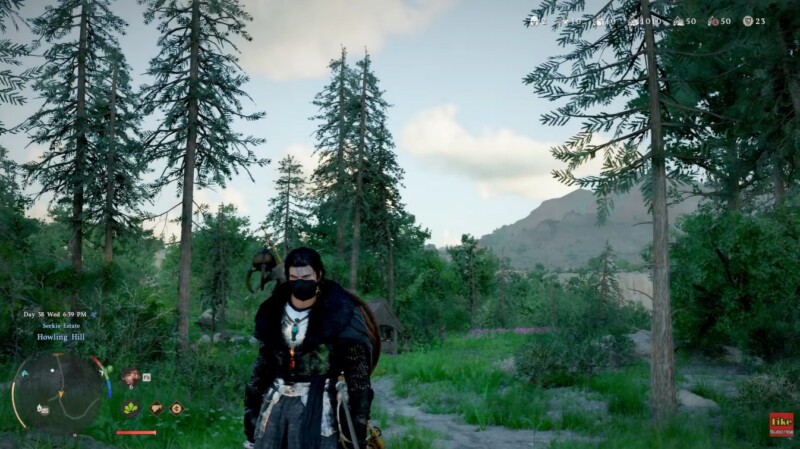
How to Use Headgear Visibility in Crimson Desert
Patch 1.02.00 finally adds a proper headgear toggle to Crimson Desert. Here is where to find it, what each option does, and what it does not change.
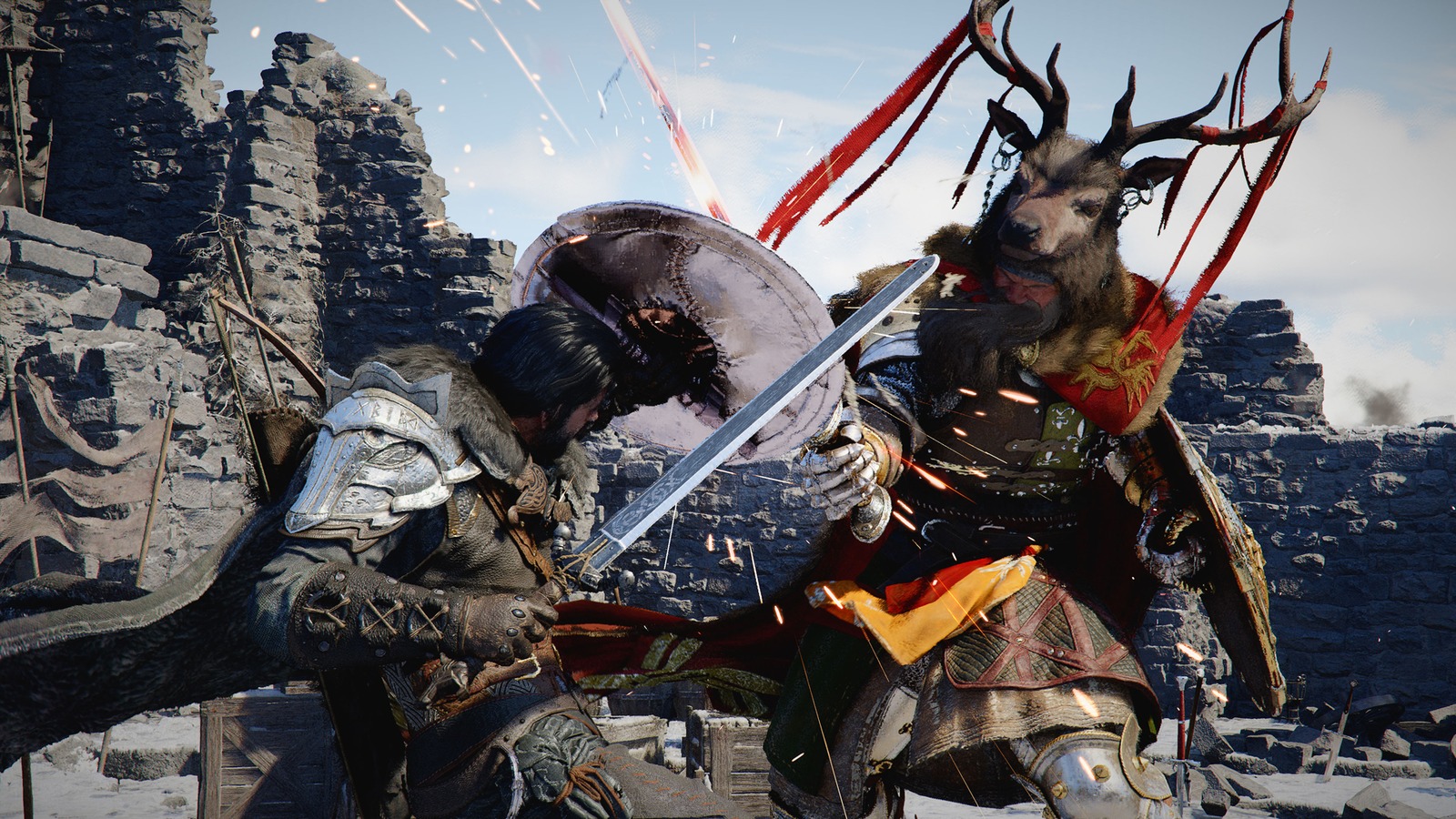
Crimson Desert New Skills for Damiane and Oongka Explained
Pearl Abyss says Damiane and Oongka will receive new skills comparable to Force Palm and Axiom Force. Here is what that likely means for character play.
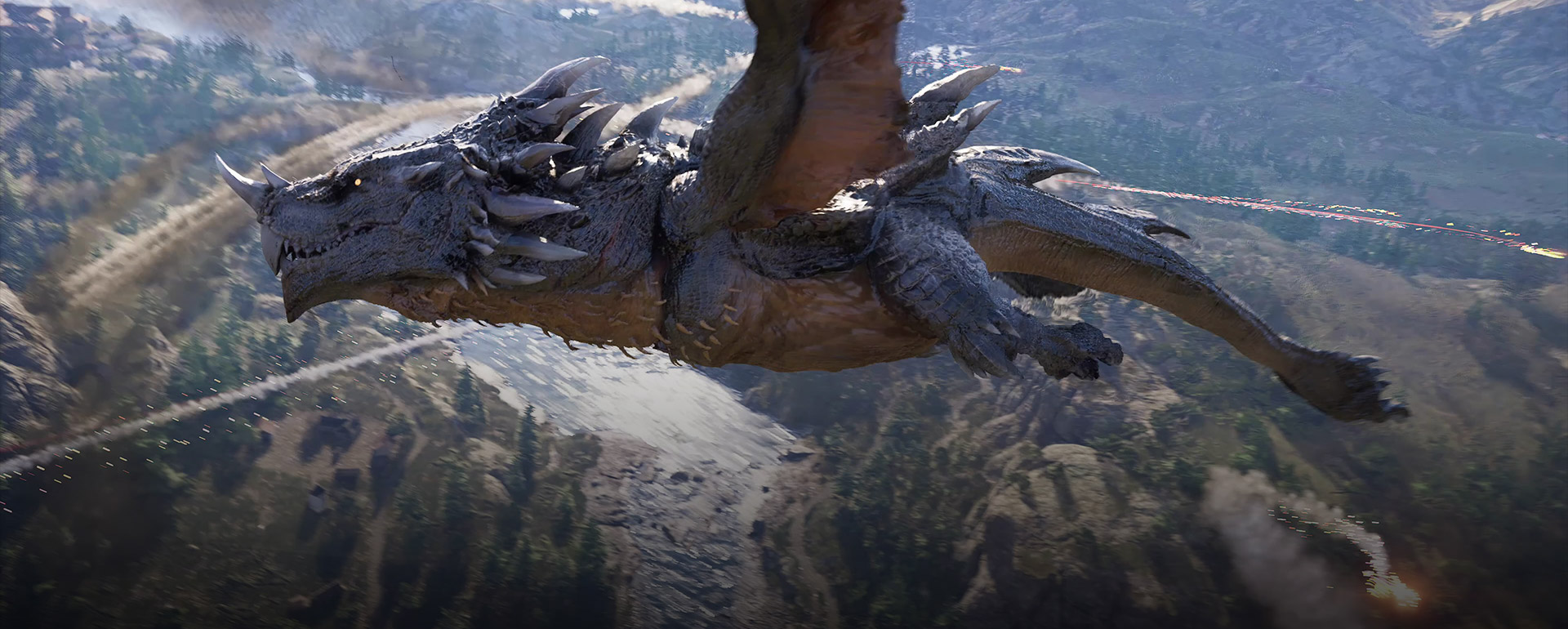
Crimson Desert AI Art Controversy Explained
The Crimson Desert AI-art story is now clear in outline even if some details are still missing. Pearl Abyss has acknowledged that some early-stage AI-generated 2D props made it into the public build, apologized for the lack of disclosure, and promised an audit plus replacements.