Crimson Desert Mac Graphics Features Explained
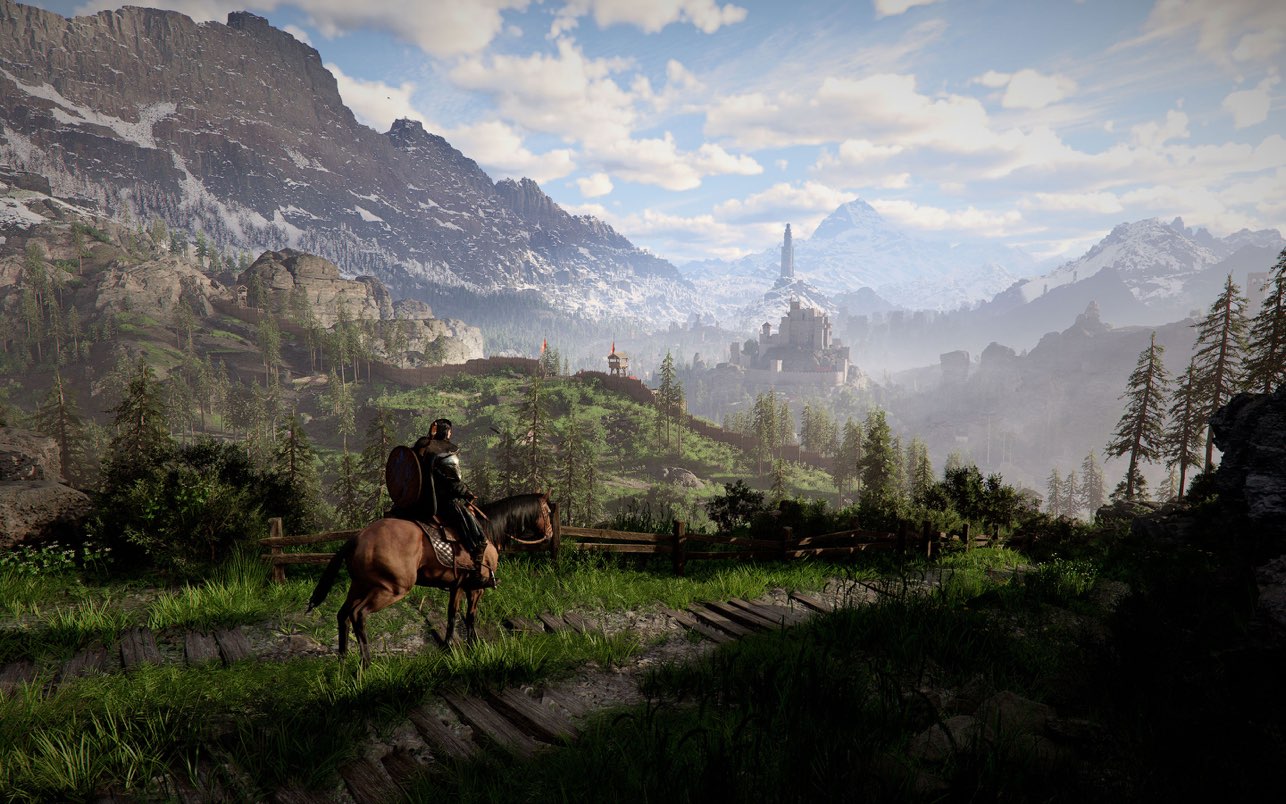
Crimson Desert's Mac version supports MetalFX Upscaler, Frame Generation, and Denoiser according to Pearl Abyss. Here is the official graphics-feature picture for Apple hardware.
Pearl Abyss says the Mac version of Crimson Desert supports:
MetalFX UpscalerFrame GenerationDenoiser
That is the official answer from the FAQ, and it gives Mac players a much clearer picture than generic "Mac supported" headlines.
Quick answer
If you are trying to understand the Mac rendering stack, the current official summary is:
Machas its own graphics feature set- that set includes
MetalFX Upscaler,Frame Generation, andDenoiser - Pearl Abyss recommends
macOS 26 "Tahoe" or laterfor the best experience
So Mac is not just a stripped-down afterthought build in the official documentation.
What this means in practical terms
Pearl Abyss is signaling that the Mac version has native feature awareness, not just broad compatibility.
The important distinction is that the Mac feature list is not presented as:
DLSSFSRPSSR
Instead, Pearl Abyss breaks Mac out separately with Apple-oriented graphics features.
How Mac differs from PC and console in the official support matrix
The current split looks like this:
PC:DLSS 4/4.5,FSR 3/4,Ray Reconstruction,Ray RegenerationPS5 Pro:Upgraded PSSRPS5/Xbox:FSR 3Mac:MetalFX Upscaler,Frame Generation,Denoiser
That makes the Mac version its own lane rather than a copy of the Windows rendering stack.
What Pearl Abyss still wants Mac players to watch
The Performance Specs notice still includes the normal caution:
- performance varies by hardware and software configuration
- exact settings can change depending on your Mac
Pearl Abyss also describes a For this Mac preset, which automatically assigns a resolution and settings combination aimed at the best balance for your specific hardware.
What this article is not claiming
This page does not claim:
- that every Mac runs the game equally well
- that Mac features exactly match PC image quality
- that every issue on Mac is already solved
It only answers the official feature-availability question.
FAQ
Does Crimson Desert support MetalFX on Mac?
Yes. Pearl Abyss lists MetalFX Upscaler support on Mac.
Does Crimson Desert support frame generation on Mac?
Yes. Pearl Abyss explicitly says frame generation is supported on PC/Mac.
Does Mac use DLSS 4.5?
No official Mac wording says that. Pearl Abyss gives Mac its own separate graphics-feature list.
Does Pearl Abyss recommend a specific macOS version?
Yes. The official recommendation is macOS 26 "Tahoe" or later.
What to do next
If you are still deciding whether Mac is the right platform at all, start with Is Crimson Desert on Mac? Steam Mac and Mac App Store Explained. If you want the broader hardware picture, System Requirements — PC, PS5 & Xbox and Best PC Settings for Crimson Desert help frame how Mac support differs from the Windows path.
Author

The shared editorial byline for sourced news, patch analysis, and site-wide research maintained by the Crimson Desert HQ team.
Editorial standards
We prioritize official sources, reproducible game evidence, and clearly labeled community reports. Found an error or missing attribution?
Read our editorial policyCategories
Table of Contents
Newsletter
Join the community
Subscribe to our newsletter for the latest news and updates