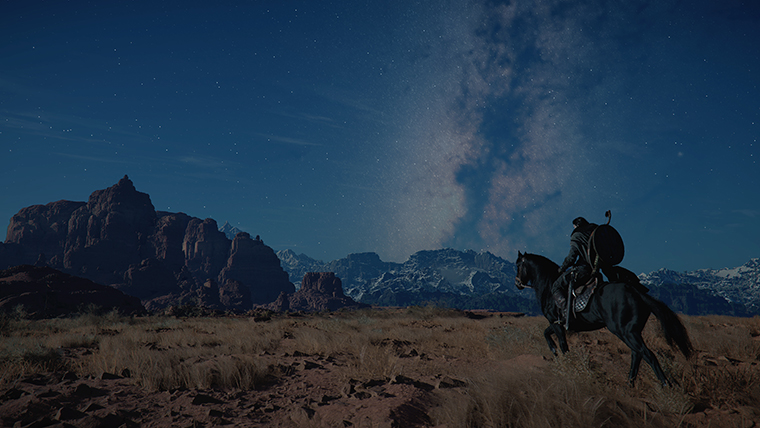
Crimson Desert Known Issues Checklist for April 22, 2026
Before you reinstall or start changing settings, use this Crimson Desert known-issues checklist for April 22, 2026 based on the latest official notice and hotfix cycle.
Before you troubleshoot Crimson Desert, read the official Known Issues notice first. Pearl Abyss last updated that page on April 14, 2026, and several important problems are still active as of this April 22, 2026 checklist.
This article is not a replacement for the official notice. It is a player-first checklist built from the current official issue list and the hotfix context around 1.03.01.
Quick answer
The most important known-issue buckets to check first are:
- GPU and graphics-setting conflicts
- Intel Arc and XeSS-specific instability
Steam Inputand controller edge cases- quest-tracking or progression problems
- handheld or device-specific launch issues
Patch 1.03.01 fixed several issues, including Nature's Snare projectile behavior and a Private Storage loot bug, but it did not clear the full list.
1. Graphics and GPU checklist
Start here if you are crashing, seeing white screens, or getting strange rendering problems.
The official notice still lists:
- AMD crashes in certain regions when
Model Qualityis set toCinematicand the map is opened or closed - Intel Arc display rendering problems
- Intel Arc
A770crashes when usingXeSS - Intel Arc
A750crashes when enteringHernand - display problems on Intel Arc A-series cards when
Intel XeSS 3.0orIntel XeSS Frame Generationis enabled GTX 1060white-screen behavior whenFSR UpscalingandFrame Generationare enabled togetherFSR4rain issues where rain disappears or the screen becomes blurry or distorted
If you hit any of those, lower-risk settings first before reinstalling. Disable frame generation, switch upscalers, reduce model quality, or test a known-safe configuration.
2. Intel Arc-specific checks
Intel Arc users should be extra careful because the game now officially supports Arc GPUs while still carrying several Arc-specific warnings.
Pearl Abyss currently recommends the 32.0.101.8629 Intel driver for one rendering issue, and the known-issues page separately flags XeSS- and city-entry-related crashes on certain Arc cards.
That means Arc support is real, but it is not yet the same as "all-clear stability." If you use Arc hardware, test in a quiet area first, then in Hernand, then with XeSS only after baseline rendering looks stable.
3. Controller and Steam Input checks
One official note says that on Steam, actions requiring right-stick rotation may not work correctly with an Xbox controller when Steam Input is enabled. Pearl Abyss recommends switching controller settings back to Use default settings as the temporary workaround.
That is an easy issue to misread as a broken save or a failed patch. If Nature's Snare, fishing, or related inputs feel wrong, check Steam Input first.
4. Quest and progression checks
Several active problems affect quests or game state rather than pure rendering. The official list still mentions:
Blinding Flashsometimes not marking nearby Abyss Nexuses or stone lanterns- black-screen behavior while comrades are deployed on certain missions
Golden BeerandSage's Eyeeffects not applying properly- abnormal player-character state changes under specific conditions
- cloudcart summoning issues
Deferred Advanceprogress problems involvingBlackstarhealth recovery- getting stuck to a tree after taking damage while holding it
- some quests not automatically tracking the next objective
These are the issues most likely to waste your time if you mistake them for one-off save corruption.
5. Handheld and device checks
The official notice also references a ROG Xbox Ally X launch issue on the latest driver version and recommends falling back to the previous version until Microsoft and AMD resolve it.
If you play on that hardware, do not update drivers casually without checking the official note first.
Best troubleshooting order
Use this order before attempting a clean reinstall:
- confirm your game is fully updated
- read the official known-issues notice
- restart the game and reload the save
- disable risky graphics features
- check
Steam Inputor controller settings - verify files on PC
- reproduce the problem in another area if possible
- report the issue with hardware, settings, and steps
A full reinstall should be a late step, not the first instinct.
What 1.03.01 already fixed
It is also worth separating solved issues from active ones. 1.03.01 already fixed:
Nature's Snareprojectiles ricocheting away or disappearing- an Xbox wireless-controller issue with
Nature's Snare - a post-liberation
Private Storageloot-routing issue
If you are troubleshooting one of those exact problems, update first before assuming the issue is still current.
Conclusion
Crimson Desert is in a better state than it was earlier in April, but the official known-issues list still matters on April 22, 2026. The smartest way to troubleshoot is to compare your problem against the official patterns before you start changing everything at once.
That approach saves time, protects your settings, and makes bug reports more useful if the problem really is new.
What to read next
- Crimson Desert Known Issues April 14, 2026 Workarounds
- Crimson Desert Patch 1.03.01 Hotfix Explained
- Crimson Desert Intel Arc and XeSS 3 Support After Patch 1.03.00
- Crimson Desert Patch 1.03.00 Explained
- Best PC Settings in Crimson Desert After Patch 1.02.00
Sources used
- Pearl Abyss announcements index: https://crimsondesert.pearlabyss.com/en-US/News/Notice
- Pearl Abyss, Known Issues: https://crimsondesert.pearlabyss.com/en-US/News/Notice/Detail?_boardNo=68
- Pearl Abyss, Patch Notes Version 1.03.01: https://crimsondesert.pearlabyss.com/en-US/News/Notice/Detail?_boardNo=83
- Pearl Abyss, Patch Notes Version 1.03.00: https://crimsondesert.pearlabyss.com/en-US/News/Notice/Detail?_boardNo=81
Author

The shared editorial byline for sourced news, patch analysis, and site-wide research maintained by the Crimson Desert HQ team.
Editorial standards
We prioritize official sources, reproducible game evidence, and clearly labeled community reports. Found an error or missing attribution?
Read our editorial policyCategories
Table of Contents
More Guides
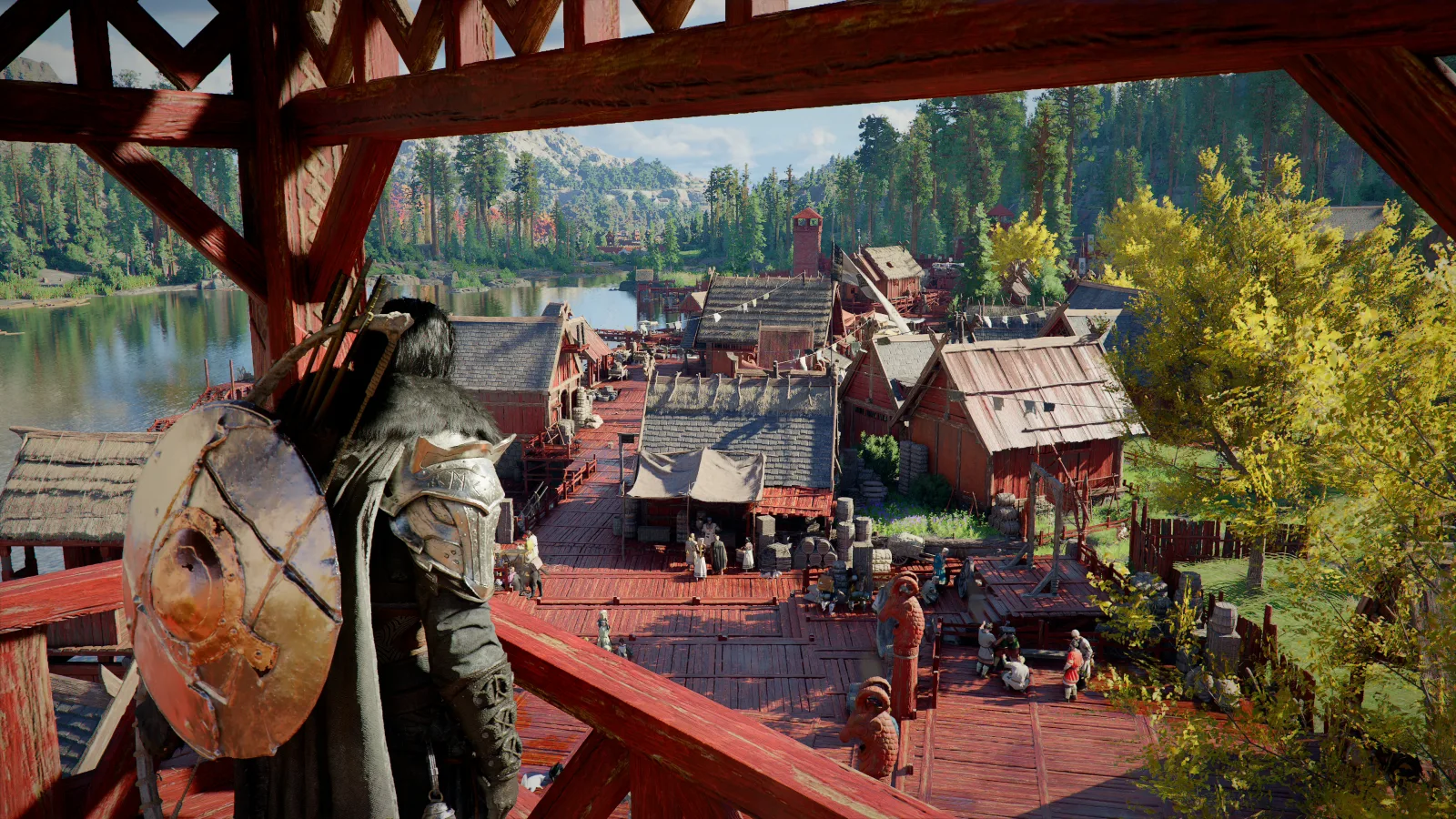
Best AMD and NVIDIA Driver Versions for Crimson Desert
The current Crimson Desert driver guide: avoid AMD 26.6.2 and 26.6.3, use 26.6.4 or newer, and check the official NVIDIA baseline and live graphics bugs.
Crimson Desert Known Issues After Patch 1.14.00
The current Crimson Desert known issues for July 2026, including AMD driver crashes, FSR 4 rain bugs, blocked quests, controller problems, and safe workarounds.
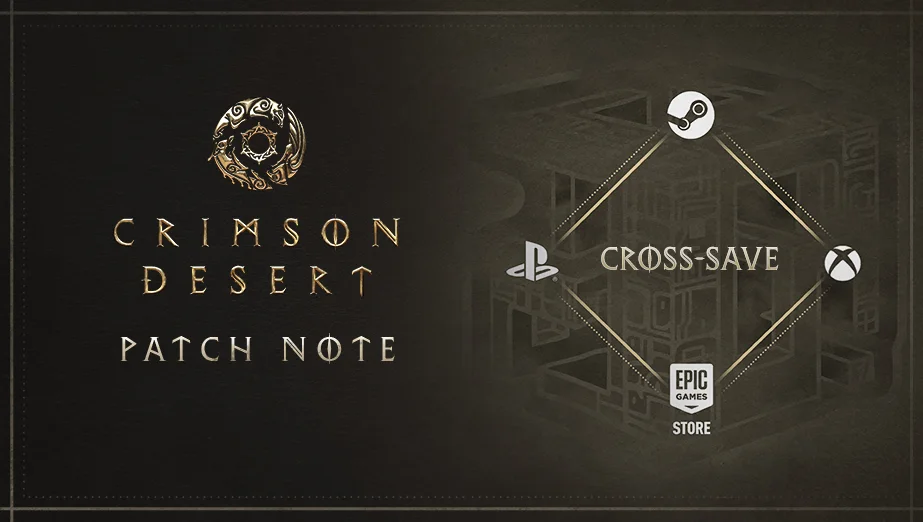
Crimson Desert Patch 1.14.00 Explained: Cross-Save, Platforms & Fixes
Crimson Desert Patch 1.14.00 adds Cross-Save for PlayStation, Xbox, Steam, and Epic Games Store, plus quest, pet-bed, combat, mount, and audio fixes.
Newsletter
Join the community
Subscribe to our newsletter for the latest news and updates